
What it takes to run DeepSeek V4 locally for ad creative
This article provides a hardware-tier reality check for media buyers deciding whether to invest in local AI infrastructure for ad creative production. It maps out the actual memory requirements, quantization options, and token speeds across common hardware configurations, so you can decide if your existing setup can run DeepSeek V4 or if you need to budget for new hardware.
- Platform
- Cross-platform
- Campaign type
- Local AI creative generation workflow
- Spend range
- High (128GB+ RAM / multi-GPU server)
- Timeframe
- 2026-08-01
- Memory footprint
- 110-175GB usable memory
- Verdict
- mixed
- Last reviewed
- 2026-08-01
If the plan is a DeepSeek V4 local setup for ad creative generation, the short answer is blunt: V4-Flash is not a 24GB-card project, and it is not made safe by the phrase “13B active parameters.” The practical local bar is roughly 110–175GB of usable memory at the low-quant levels an ad team would actually consider; V4-Pro is far beyond normal creative-team infrastructure, with official weights listed at 864.70GB versus 159.61GB for V4-Flash.[1][2]
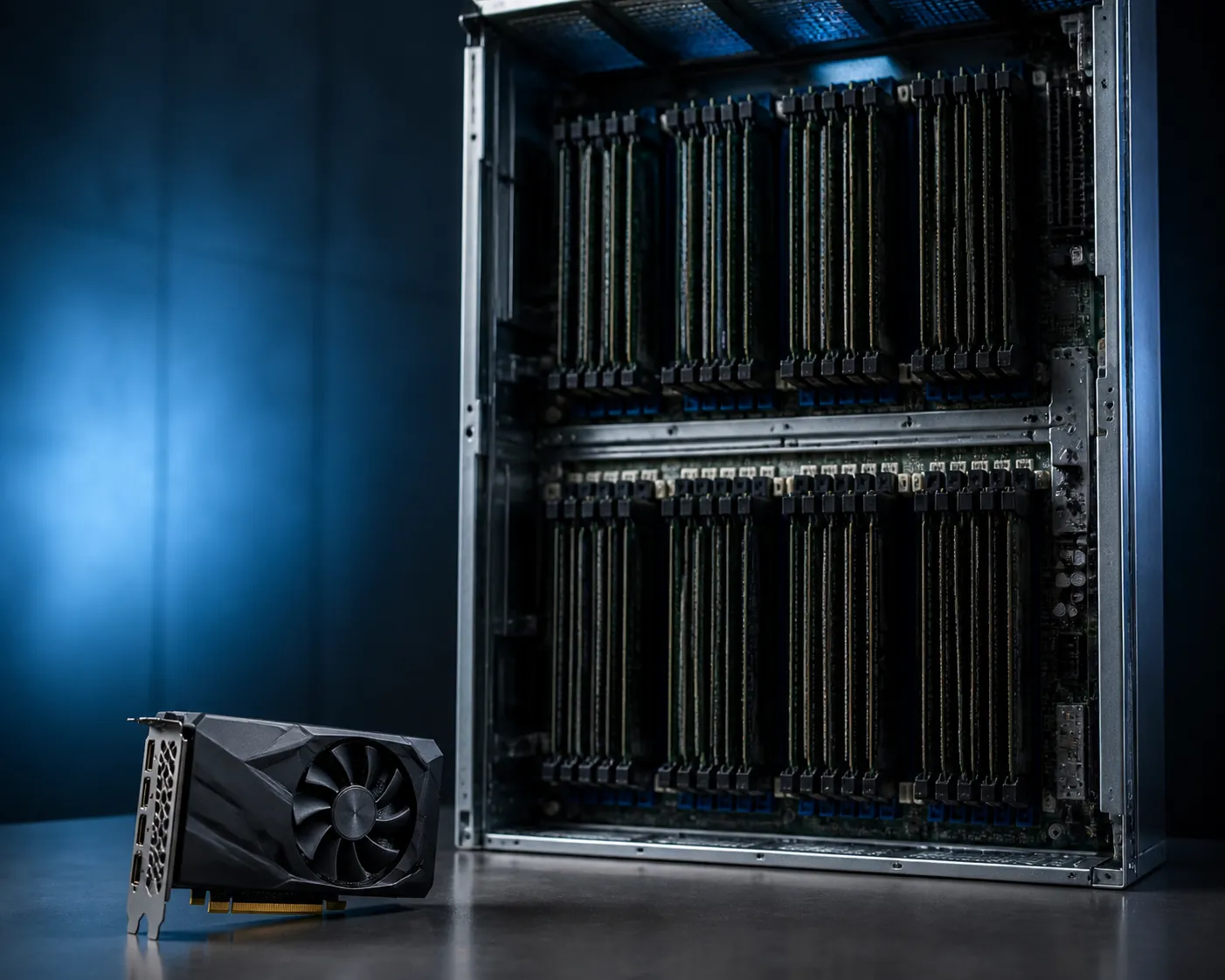
That verdict matters because the ad-creative use case is usually narrower than the infrastructure fantasy around it. V4-Flash can help with copy angles, primary text variations, hooks, landing-page sections, HTML-style drafts, scripts, and structured creative review. It is not an image or video generator; third-party hands-on coverage describes V4-Flash as text-only, so visual production still needs a separate model or service.[3]
A useful decision screen looks more like this than like an install tutorial:
| Hardware on hand | V4-Flash local verdict for ad creative | Why |
|---|---|---|
| 24GB consumer GPU | No for useful local V4-Flash | Even aggressive low-bit paths exceed the card once full model residency, KV cache, and runtime overhead are counted.[1][2] |
| 48GB consumer / workstation GPU | Still effectively no as a clean GPU install | A nominal Q2-size target near the 48GB range leaves no healthy working room and depends on heavy compromises.[2] |
| 128GB unified-memory Mac | Plausible test tier, not a carefree production tier | Community and vendor examples exist, but they rely on low-bit quantization, selective loading, SSD-backed cache, or other tradeoffs.[4][5] |
| 192GB–256GB unified memory or large-RAM workstation | Credible experimentation / small workflow tier | This is where recommended 3-bit and offload-heavy setups start to look operational rather than theatrical.[2][6] |
| 512GB+ server-class planning | Serious production infrastructure tier | Enough memory headroom to treat the model, engine, context, concurrent users, and maintenance as one system rather than a benchmark stunt.[1][2] |
If your team is mainly comparing local inference against hosted access, keep the API-side economics separate. The hardware question here is whether the box can run the model reliably for creative work. For the hosted-cost side of the same decision, see the companion piece on how open-weight AI models cut ad creative costs.
The 13B-active-parameter shortcut is where bad hardware plans start
V4-Flash is listed as a 284B-total-parameter model with 13B active parameters, and that second number is the one that gets abused in planning decks. “Active” does not mean the rest of the model can be ignored. In a mixture-of-experts model, the routing path may activate only a subset during a token, but the expert weights still have to be available to the inference system. The memory plan is built around the resident model, not the marketing-friendly active slice.[1]
That is why V4-Pro should fall out of most ad-team conversations quickly. Its official weight size is listed at 864.70GB, with a 1.6T-total / 49B-active architecture.[1] A creative team can admire that model without pretending it belongs under someone’s desk.
V4-Flash is the only variant that belongs in the normal local-feasibility discussion, and even there the word “normal” needs restraint. The official weight figure cited for Flash is 159.61GB; Unsloth’s quantization table lists UD-Q8_K_XL at 162GB with about 169GB RAM needed, Q4 near-lossless at about 155GB, and UD-IQ3_XXS at 103GB with about 110GB RAM needed as its recommended 3-bit starting point.[1][2]
Quantization is not a quality toggle; it is the memory gate
For ad creative, quantization sounds deceptively harmless. A buyer hears “Q4,” “Q3,” or “Q2” and imagines a slider between better and worse copy. The more important reading is simpler: each level decides whether the model fits in the machine at all.
| V4-Flash quant path | Published size / memory signal | Practical meaning for an ad team |
|---|---|---|
| UD-Q8_K_XL | 162GB file; about 169GB RAM needed; described by Unsloth as the only fully lossless quant.[2] | A high-fidelity local path, but already outside consumer GPU territory before runtime headroom. |
| Q4 near-lossless | About 155GB.[2] | Still a large-memory deployment, not a 48GB workstation trick. |
| UD-IQ3_XXS | 103GB file; about 110GB RAM needed; Unsloth’s recommended 3-bit starting point.[2] | The first broadly discussable low-quant tier for teams with 128GB+ unified memory or large system RAM. |
| More aggressive 2-bit / selective approaches | Community and vendor examples report smaller footprints, including custom 2-bit and selective-quant builds.[4][5] | Interesting for testing, but the engineering path matters as much as the number on the file. |
The jump from Q8 to Q3 is not just compression; it changes the operating profile. A near-lossless copy-review workflow, where the model is judging subtle differences between “Save 20% today” and “Get 20% off before midnight,” is more sensitive to degradation than a rough ideation pass. But the first question is still whether the model will load with room for context, KV cache, framework overhead, and the ordinary mess of a real workstation.
This is where 24GB and 48GB cards get eliminated. A 24GB GPU is not close. A 48GB GPU can look tempting if someone points at a low-bit file size in isolation, but a clean, useful local setup needs working memory beyond a bare model artifact. If the plan depends on squeezing into the number printed on the card box, it is not a plan.
What “local” actually means across the hardware tiers
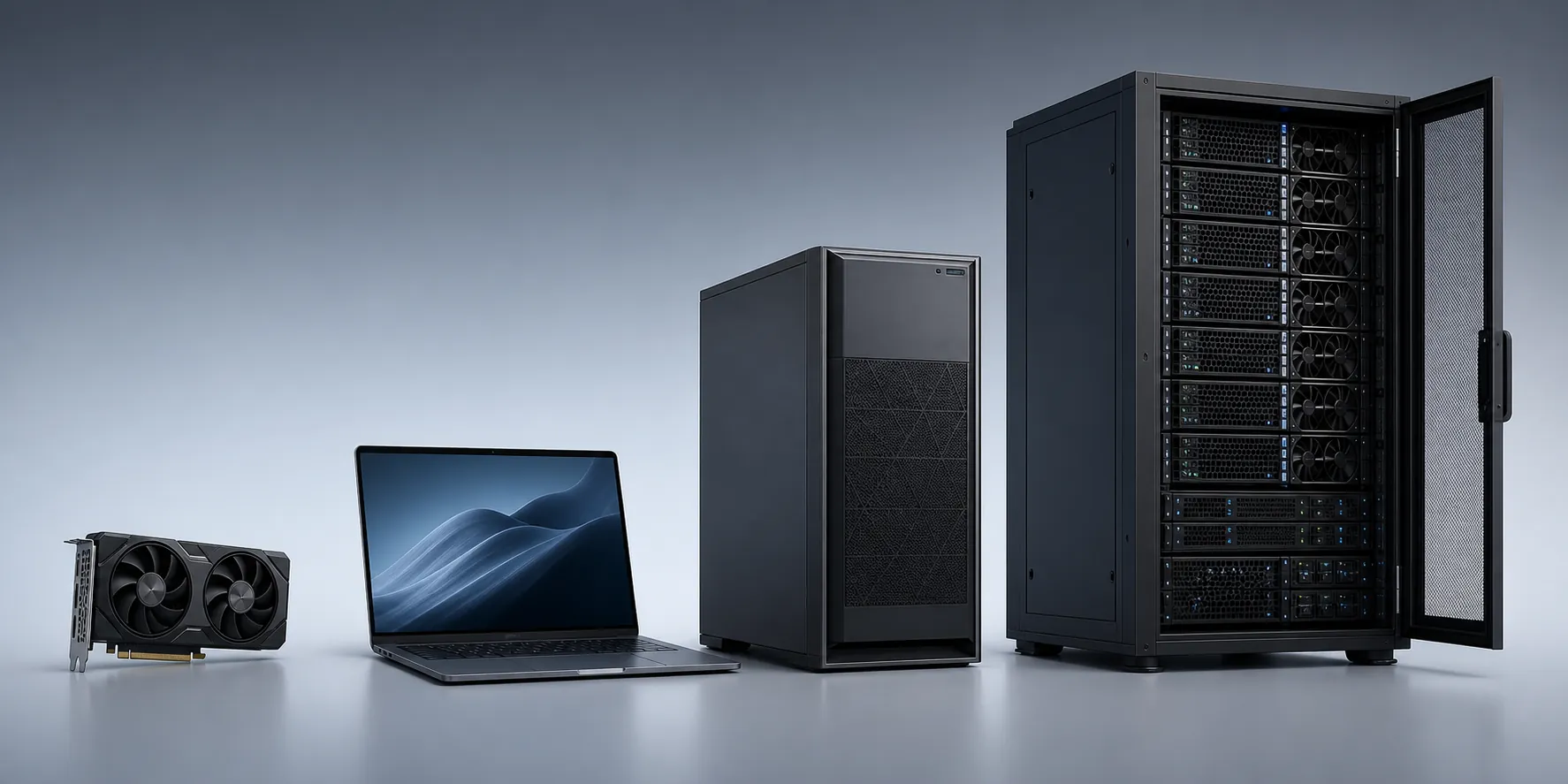
Local inference is not one architecture. For V4-Flash, it can mean unified memory on a Mac, multi-GPU Linux, a workstation with lots of system RAM, CPU expert offload, SSD-backed cache, or a selective-quantization engine that changes which parts of the model live where. Those setups have different failure modes.
128GB unified-memory Macs: plausible, but compromise-heavy
A 128GB MacBook is the first edge case worth taking seriously, mostly because unified memory lets the system avoid the hard VRAM wall that kills consumer cards. But the credible examples are not “install and forget” examples.
Flowtivity describes antirez’s ds4 engine running a custom 2-bit V4-Flash at about 70GB fully locally on a 128GB MacBook, using an SSD-backed KV cache.[4] MindStudio’s Dwarf Star write-up describes selective quantization that shrinks Flash from roughly 568GB FP16 to about 81GB GGUF for 128GB+ unified-memory machines.[5] Those are useful engineering signals. They are also warnings: the setup works because the engine, quantization, cache strategy, and memory architecture line up.
For an ad team, this tier can be enough for local testing: generating batches of hooks, rewriting landing-page sections, reviewing claim variants, or building repeatable prompt templates without sending draft copy to a hosted endpoint. It is less convincing as a shared production service unless someone owns updates, regression checks, and fallback routing.
192GB–256GB workstations: the first comfortable planning range
Once the machine has 192GB or 256GB of usable memory, V4-Flash planning stops being a stunt and starts looking like infrastructure. That does not mean every configuration is fast or elegant. It means the recommended 3-bit path and some higher-quality experiments can fit with operating headroom rather than being balanced on the edge of a crash.
The ktransformers documentation is one of the more concrete examples here: it describes V4-Flash running with 1× RTX 5090 32GB plus 256GB system RAM using CPU expert offload at 20+ tokens per second, and also reports about 28 tokens per second with AMXINT4 on dual Xeon Skylake-class CPUs.[6] Those numbers should not be copied into a forecast as universal throughput. They are tied to the engine, hardware, offload pattern, and context behavior.
Still, this is the tier where a small agency or in-house growth team can make a defensible case for a local creative workstation: one maintained box, known prompt libraries, private draft claims, repeatable review flows, and a clear fallback to hosted models when the local stack is down. If the team is already thinking in this direction, the local inference hardware comparisons in the RTX Spark N1X reality check are a useful adjacent read.
512GB+ servers: production means service ownership
At 512GB and above, the question changes from “Can we load it?” to “Who is operating it?” This is the tier for teams that want local V4-Flash to behave like a service: multiple users, longer contexts, test environments, version pinning, uptime expectations, logs, and rollback plans.
That can be a real advantage for creative operations. Local inference can keep draft offers, customer segments, competitive positioning, and landing-page experiments inside the team’s own environment. It can also support a data moat if the organization is systematically capturing creative feedback and model outputs at scale; that infrastructure argument is covered more directly in the open-weight AI data moat analysis. But at this tier, the model is no longer a tool someone installed. It is a system someone maintains.
CPU offload works differently from a clean GPU install
The ktransformers example is valuable because it punctures both myths at once. It shows that V4-Flash can run locally without hundreds of gigabytes of GPU VRAM, and it also shows why that is not the same as saying a consumer GPU is enough. The RTX 5090 is paired with 256GB of system RAM, and CPU expert offload is central to the reported setup.[6]
Offload-heavy inference changes the operator’s job. The GPU is no longer carrying the whole model. System RAM bandwidth, CPU instructions, engine support, context length, cache placement, and scheduler behavior all start to matter. That may be acceptable for copy generation, where a buyer can wait for batches of variants, but it is a different operating profile from a small local model that sits fully in VRAM and responds predictably.
Token speed also needs to be read as a range, not a property of the model. MindStudio describes 3–10 tokens per second expectations on 128GB Mac-class setups, while ktransformers reports 20+ tokens per second on the RTX 5090 plus 256GB RAM offload configuration.[5][6] Those figures can both be true. They are describing different engines and memory paths.
Framework maturity is part of the budget
A weekend test answers only one question: did the model produce text today? A creative workflow asks for more. Can it handle multi-turn review? Can it preserve a brand-voice instruction across edits? Can the team regenerate a batch next week after a framework update? Can a buyer open the tool during launch week without becoming the debugging department?
The current V4-Flash ecosystem is still moving. Unsloth documents a llama.cpp DeepSeek V4 KV-cache q8_0 quantization bug that broke multi-turn conversations for GGUF providers until a July 7, 2026 fix in PR 25202.[2] That is not a footnote for ad creative. Multi-turn review is exactly how copy gets used: generate ten hooks, reject three, tighten four, preserve the angle, rewrite for a different placement, then hand the result to a landing-page draft.
Compatibility pinning is another signal. The ktransformers documentation specifies transformers==4.57.1 for its V4-Flash path and flags compatibility constraints around newer transformer stacks.[6] If your local plan assumes the AI lead can casually update libraries on Friday afternoon, the plan is missing the cost of ownership.
None of this means local V4-Flash is a bad idea. It means the maintenance line belongs in the same spreadsheet as the GPU, RAM, storage, and power. For a team that needs private creative iteration, repeatable prompts, and control over output logging, that trade may be attractive. For a team that only wants more ad variants by Monday, it is usually the wrong place to spend the week.
A note on Chinese model risk and local hosting
Running an open-weight Chinese model locally can reduce one narrow concern: draft creative, customer notes, and campaign strategy do not have to be sent to a hosted model endpoint. That is a real operational reason to consider local inference.
It does not settle the policy question. US scrutiny of Chinese AI model use remains an open variable for ad tech and martech teams, especially in regulated or government-adjacent environments. Treat local hosting as one mitigation, not as a compliance answer; use the dated context in the Chinese AI ban ad-cost tracker and the analysis of White House Chinese AI rules for martech before putting it into a procurement memo.
The operating recommendation
If the team only has 24GB or 48GB consumer GPUs, do not green-light a V4-Flash local build for production ad creative. Use hosted access, rent larger hardware, or run a smaller local model for the pieces that do fit.
If the team has a 128GB unified-memory Mac, local testing is plausible. Keep the scope honest: text-only ad workflows, low-bit or selective quantization, slower throughput, and a fallback path when the local engine breaks.
If the team has 192GB–256GB+ of usable memory, V4-Flash becomes a credible infrastructure experiment. Budget for the machine and for the person maintaining quant files, engine versions, cache behavior, regression prompts, and workflow handoffs.
If the team wants repeatable production, treat DeepSeek V4-Flash as infrastructure planning, not a download.
References
- DeepSeek V4 本地部署显存需求与量化方案全表, KnightLi, May 1, 2026
- DeepSeek V4, Unsloth
- How to Run DeepSeek V4 Flash Locally, DataCamp, May 5, 2026
- DeepSeek V4 Flash ds4 Local Inference 128GB Mac, Flowtivity
- Run DeepSeek V4 Flash Locally with Dwarf Star on MacBook, MindStudio
- DeepSeek-V4-Flash, ktransformers GitHub
Built on this evidence
No Bidding tactic or Creative record currently cites this case file. Compare it against other results in Benchmarks.
Related benchmark reading
Report a corroborating or contradicting result
Seeing something different in your own account? Feed the data-integrity loop instead of leaving an open comment.