

Best AI Marketing Tools
Marketing teams waste hours switching between too many AI tools. This article provides a decision framework to identify your single biggest workflow bottleneck and select 1–3 tools that eliminate the most manual work — backed by data on context-switching costs and pricing traps.
Marketing Categories
If your team is already bouncing between too many logins, another list of the best AI marketing tools can make the problem worse. The issue is rarely that marketing has no AI options. It is that every promising trial leaves behind one more seat, one more usage cap, one more half-connected workflow, and one more Slack thread asking which tool generated last quarter's landing page copy.
The market gives teams plenty of ways to get into that mess. One 2026 comparison cites 15,384 MarTech solutions, with the important caveat that this is the broader MarTech market, not an AI-only count.[1] The operational cost shows up after the buying excitement fades: context-switching across 8+ tools costs the average SME marketing team 8+ hours per week, according to Marketing Brew data cited in the same research.[1]
That is the better starting point for tool selection. Before comparing features, ask where your team is losing the most repeatable manual time right now. The best AI marketing tools are the ones that remove that specific drag without creating a new coordination job around the tool itself.
Start With the Bottleneck, Not the Category
Most AI marketing software pages are organized by category: writing, SEO, lead generation, automation, analytics, design, social, email. That is useful after you know what you are solving. It is less useful when the team is still confusing symptoms with the bottleneck.
A content team that dislikes its drafts does not have the same problem as a team that cannot move campaign data cleanly from forms to CRM to reporting. A sales-led company with thin pipeline does not need the same stack as a founder-led business that has no repeatable content workflow at all. Buying one tool from each category can feel comprehensive and still leave the Tuesday morning work untouched.
Use this first-pass diagnosis before opening any pricing page:
| If the recurring pain sounds like this | The likely bottleneck | What the tool must remove |
|---|---|---|
| Drafts are fast, but editing takes too long and SEO review happens too late. | Content quality | Rewriting, outline repair, optimization checks, and late-stage SEO rework |
| The work is happening, but campaign data lives in disconnected tools. | Integration chaos | Manual handoffs, spreadsheet reconciliation, and duplicate status checks |
| The team can create assets, but not enough qualified prospects enter the system. | Lead generation | Manual list building, account research, enrichment, and outbound prep |
| The team has no AI workflow yet and needs useful output without a platform rollout. | Getting started | Blank-page work, simple creative production, and lightweight campaign support |
This table is deliberately plain. If a tool cannot map to a named manual step, it is probably not ready to be bought. "Improve marketing with AI" is not a step. "Cut the first-draft-to-publish review loop from four passes to two" is.
Content Quality: When Fast Drafts Still Create Slow Work
The content quality bottleneck is easy to misread because the team may already be using AI. People generate outlines, headlines, emails, and article drafts quickly, but the editor still spends hours fixing structure, search intent, brand voice, internal links, and unsupported claims. The bottleneck is not production volume. It is the cleanup between draft and usable asset.
For this profile, a focused stack often looks like Jasper plus SurferSEO. Jasper can serve as the controlled writing environment for campaign and long-form content, while SurferSEO handles content optimization and search-aligned structure. Pricing cited in 2026 research put Jasper at about $59 per seat per month and SurferSEO at about $79 per month, with SurferSEO's AI writing add-on noted separately at about $99.[1]
That add-on detail matters more than the headline price. A team that assumes "SEO tool" includes AI drafting may approve one budget and discover the actual workflow costs more. The same issue appears across AI software: 31% of vendors in Zylo's broader SaaS pricing data use hybrid seat-plus-credit pricing, according to Marketing Mary, and that structure can hide the true cost of normal use.[1]
A content quality stack earns its place only if it changes the editing path. Track how many manual passes a piece needs before and after adoption. Track how often SEO changes happen after the draft is already written. Track whether briefs, outlines, and final copy stay in one repeatable workflow or scatter across chat transcripts, docs, and optimization dashboards.
If the team is still copy-pasting from one AI chat into a doc, then into an SEO tool, then back into the doc, then into the CMS, the stack may be improving individual tasks while preserving the bigger bottleneck. That is how a "best in class" tool becomes another tab nobody wants to own.
Integration Chaos: When the Work Exists but the System Does Not
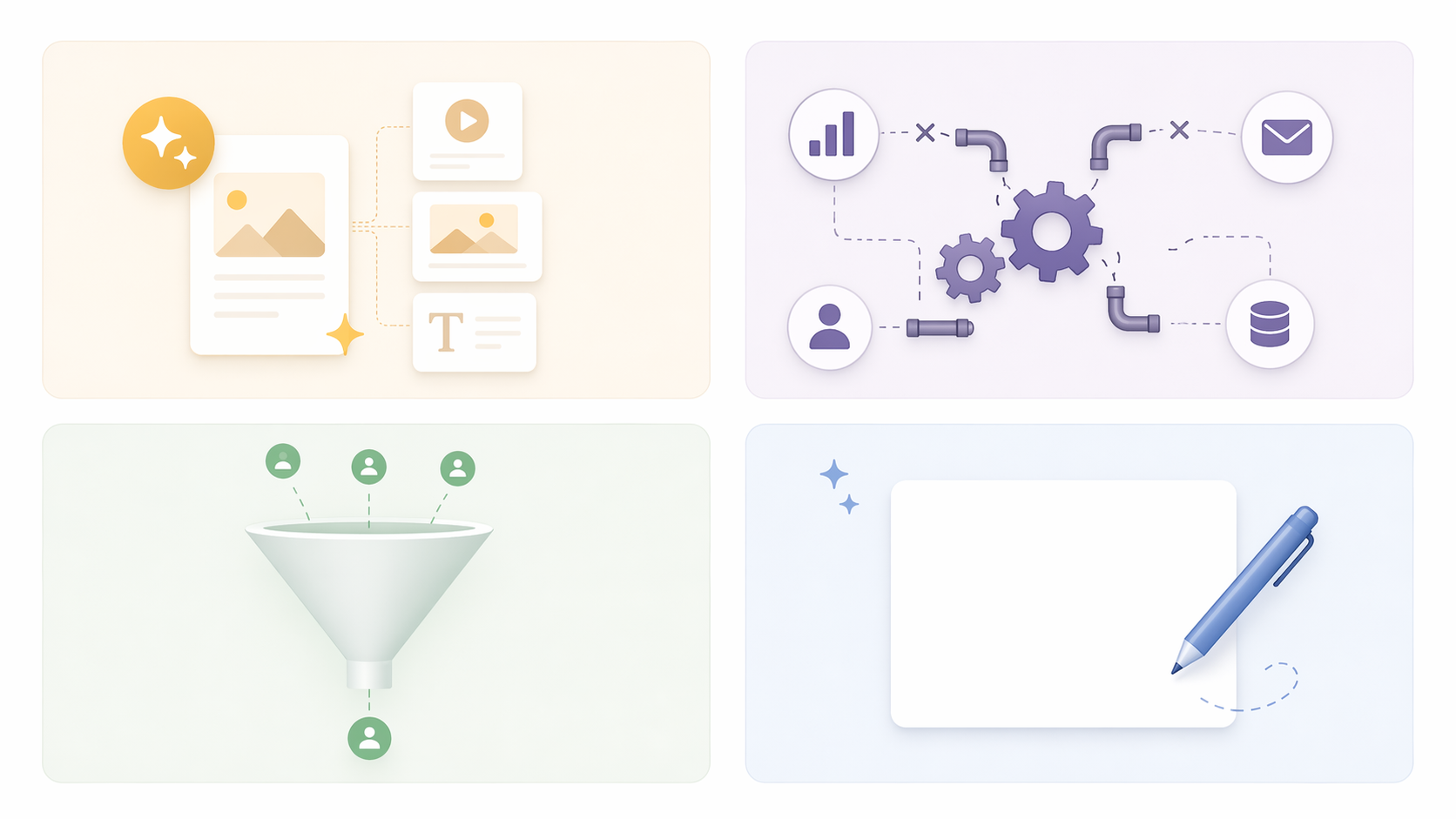
Integration chaos looks productive from a distance. Campaigns launch. Emails send. Forms collect leads. Reports get built. The pain is in the connective tissue: someone exports CSVs, someone updates UTMs by hand, someone checks whether the CRM field mapped correctly, and someone rebuilds a report because the source data moved.
This is where teams should be careful with specialist tools. A narrow AI tool can be excellent and still be the wrong next purchase if it adds another data island. For teams already using HubSpot deeply, HubSpot Breeze or another integrated HubSpot-native workflow may remove more manual work than a sharper point solution. For teams outside that ecosystem, the better answer may be a leaner integrated stack rather than a single all-in-one platform.
The question is not whether HubSpot Breeze, a reporting connector, or a workflow automation layer has more AI features. The question is which one removes the recurring coordination step: duplicate lead entry, campaign status chasing, report assembly, enrichment cleanup, or routing logic that lives in one person's head.
A useful integration tool should reduce the number of places a marketer has to check before answering a basic campaign question. If adoption requires people to open the CRM, the automation tool, the AI assistant, the spreadsheet, and a separate dashboard, then the new system has probably moved the bottleneck instead of removing it.
Lead Generation: When the Creative Machine Outruns the Pipeline
Lead generation bottlenecks show up differently. The team can produce content, emails, webinars, landing pages, and social posts, but the pipeline still depends on slow account research or inconsistent outbound preparation. In that case, buying another writing assistant usually does not fix the constraint.
Copy.ai and Apollo belong in the conversation here, but for different jobs. Copy.ai can help teams systematize outbound messaging and campaign copy. Apollo is more relevant when prospect discovery, enrichment, and sales intelligence are the bottleneck. Choosing between them starts with the manual step that currently slows the team down.
| Manual step | Better-fit direction | What to measure |
|---|---|---|
| Writing and adapting outbound sequences takes too long. | Copy.ai or a similar GTM writing workflow | Sequence production time, approval time, reply quality, and reuse rate |
| Finding and enriching the right accounts takes too long. | Apollo or a similar prospecting and enrichment platform | Research hours, qualified account volume, data correction time, and handoff quality |
| Sales and marketing disagree on which leads are worth pursuing. | A tool is secondary until scoring, definitions, and routing rules are clear. | Rejected leads, routing delays, and manual clarification requests |
The third row is the one teams skip. AI can accelerate bad definitions. If a lead generation tool increases volume while the sales team rejects more records, the system has not improved. It has created a faster cleanup queue.
Getting Started: Keep the First Stack Boring
For a small team just starting with AI, the best stack is often not a marketing platform. ChatGPT Plus plus Canva Pro can cover a surprising amount of early work: brainstorming, outlines, campaign variants, simple email drafts, creative concepts, social graphics, and lightweight presentation assets. 2026 pricing cited in the research puts ChatGPT Plus at about $20 per month and Canva Pro at about $12 per month, or roughly $35 per month together depending on billing and plan details.[1]
That does not make it the best stack forever. It makes it a low-friction way to learn where AI actually helps your team before committing to heavier software. A team that cannot yet name its recurring use cases should avoid annual contracts, complex credit systems, and seat bundles that assume adoption before adoption exists.
The first month should produce evidence, not a philosophy deck. Which tasks did people return to weekly? Which instructions became reusable? Which outputs still needed expert rewriting? Which assets moved faster without lowering quality? Those answers tell you whether the next purchase should be content optimization, workflow automation, lead intelligence, or nothing yet.
Use a 3-Tool Rule Before You Add the Next One
The point of a 3-tool rule is not purity. Some teams genuinely need more than three AI-enabled tools across the full marketing function. The rule is a forcing mechanism: for one bottleneck, start with the smallest stack that removes the most manual steps. Once the stack grows past the point where everyone knows which tool owns which step, context-switching and integration overhead start eating the gains.
That overhead is not theoretical when teams are already losing 8+ hours a week to switching across tools.[1] Adding a sixth or seventh application may still make sense, but it needs to clear a higher bar. It should replace a step, not merely improve a step that was already tolerable.
- Tool 1 should own the main work surface, such as writing, CRM, prospecting, or design.
- Tool 2 should handle the main quality or data constraint, such as SEO optimization, enrichment, routing, or brand controls.
- Tool 3 should exist only if it removes a handoff that the first two tools cannot remove.
If a proposed fourth tool does not have a named owner, weekly use case, data path, and cancellation trigger, it is probably a trial pretending to be strategy.
Pricing Can Change the Right Answer
AI pricing deserves more suspicion than most feature grids give it. Seat pricing is easy to understand until only two people use the tool and six seats remain active. Credit pricing is easy to underestimate until normal campaign volume consumes the allowance. Hybrid pricing does both at once.
The Zylo finding that 31% of vendors in its broader SaaS pricing data use hybrid seat-plus-credit pricing is directional evidence rather than a guaranteed rate for every AI marketing category, but it matches the procurement problem teams feel in practice.[1] A tool can look affordable on the pricing page and become awkward once generation limits, enrichment credits, AI writing add-ons, premium connectors, or extra workspaces enter the workflow.
Before signing, ask for a total-cost view based on your actual workflow:
- How many people need paid seats to complete the workflow without sharing logins?
- Which actions consume credits, and how many will a normal month use?
- Are AI writing, enrichment, optimization, automation, or reporting features included or sold as add-ons?
- What happens when the team exceeds usage limits during a launch month?
- Can the contract scale down if only part of the team adopts the workflow?
Pricing figures from March through June 2026 should be treated as planning inputs, not final quotes. Vendors change packaging. The decision standard should be stable even when the numbers move: a tool's cost includes seats, credits, add-ons, admin time, training time, and the cleanup created when the workflow is unclear.
Measure the Stack in 30 to 60 Days
Broad ROI claims are not useless, but they are a poor substitute for team-level measurement. eMarketer data cited by Marketing Mary reports 44% productivity gains from strategic AI deployment, and the same research points to an 11 to 13 hours saved per week target.[1] Those numbers are better read as possible outcomes under disciplined implementation, not as what any tool will deliver after procurement signs.
For use-case-level ROI thinking, the internal breakdown in Where AI Marketing ROI Actually Pays Off is a better companion than another vendor calculator. For Jasper-specific measurement, Can Marketing Teams Actually Prove ROI with Jasper AI? is useful because it keeps the discussion tied to proof rather than enthusiasm.
A practical 30-to-60-day measurement plan is simple enough to run without a consultant:
- Baseline the current manual work. Count the hours, handoffs, review passes, data exports, or research steps attached to the bottleneck.
- Pick one bottleneck. Do not run separate experiments for content, lead gen, reporting, and design unless someone has capacity to manage all of them properly.
- Choose the smallest stack that removes the most steps. One tool is fine. Two tools are fine. Three tools need a clear handoff map.
- Assign ownership. Name who opens the tool, for which task, how often, and where the output goes next.
- Review after 30 to 60 days. Compare hours saved, adoption, output quality, total cost, and cleanup work against the baseline.
The review should be allowed to produce an unexciting answer. Keep the tool. Expand it. Replace it. Cancel it. The worst outcome is leaving a marginal tool active because nobody wants to admit the experiment ended.
A Better Shortlist
If the team needs a shortlist, build it from the bottleneck:
| Bottleneck | Likely shortlist | Good reason to buy | Good reason to wait |
|---|---|---|---|
| Content quality | Jasper + SurferSEO | Editors are spending too much time turning AI-assisted drafts into publishable, search-aligned assets. | The team has not agreed on briefs, brand standards, or review ownership. |
| Integration chaos | HubSpot Breeze or a lean integrated workflow stack | Manual handoffs, duplicate data work, and reporting reconciliation are consuming campaign time. | The team wants AI features but has not mapped the data path. |
| Lead generation | Copy.ai or Apollo | Outbound preparation, account research, or enrichment is the constraint on pipeline creation. | Sales and marketing have not agreed on lead quality or routing rules. |
| Getting started | ChatGPT Plus + Canva Pro | The team needs low-cost AI support for ideation, drafting, and simple creative production. | The work already requires governance, integrations, or repeatable approval flows. |
This is not a universal ranking. A specialist tool can beat a broad platform in a narrow job. A consolidated platform can beat a specialist tool when the real pain is workflow fragmentation. The right answer depends on which manual step is currently costing the team the most time and whether the new tool removes that step without creating a bigger one beside it.
The best AI marketing tools are the ones your team can afford, verify, and actually use to remove the bottleneck costing you the most time now.
References
- Best AI Marketing Tools in 2026: The Complete Comparison, Marketing Mary.

Comments
Join the discussion with an anonymous comment.