
AI Social Media Scheduler
Choosing an AI social media scheduler in 2026 means matching features to your actual workflow. This guide uses a five-question diagnostic to narrow dozens of tools down to two or three worth trialing based on your team size, platforms, content volume, and budget.
Key Integrations
Marketing Categories
⚠ Notable Limitations
AI drafts require editing; operational cost may exceed subscription price
Most AI social media scheduler comparisons flatten the part that matters most: how the tool behaves once your real calendar, real approvers, real platform mix, and real content backlog enter the system. In Q3 2026, the useful question is not “Which scheduler has AI?” A Sociality.io 2026 report found that 89.7% of marketers use AI daily or several times a week for social media workflows, so AI is no longer a meaningful dividing line by itself.[1] The better question is: what kind of workflow are you buying for?
Use this diagnostic to narrow the field to two or three tools worth trialing. Not twelve. Not a spreadsheet with every checkbox highlighted green. Two or three tools tested against one actual publishing cycle.
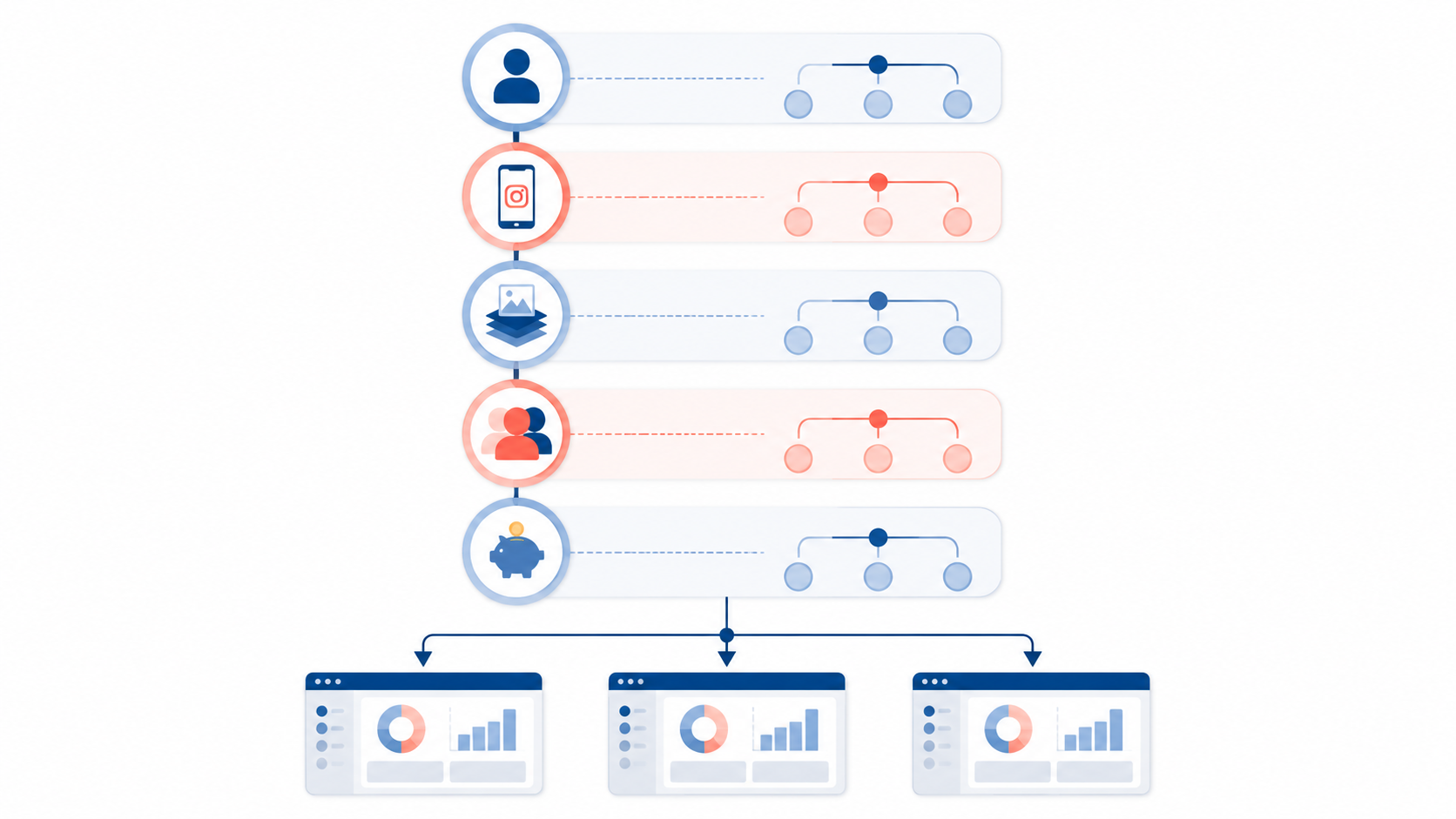
The 5-Question Diagnostic
- How big is the team that will actually operate the scheduler?
- Which platforms carry most of the work?
- How much content creation do you expect the tool to handle?
- How many people, clients, or departments need to review, approve, or respond?
- What is the true operating cost after setup, editing, approvals, and monitoring?
Those questions separate three different things that often get bundled together under “AI scheduler”: scheduling AI, creation AI, and inbox or response AI. A posting-time suggestion is not the same as a caption-writing workflow. A caption generator is not the same as a shared approval queue. An autonomous response feature in a social inbox solves a different problem from a drag-and-drop Instagram grid.
That distinction matters because the operational pain is rarely “we cannot find a button that posts to LinkedIn.” It is usually “we cannot get the right draft, approved by the right person, adapted for the right channel, without rewriting it in Slack five minutes before publishing.”
1. How Big Is the Team Running the Calendar?
Start with the person who has to open the scheduler on Monday morning. A solo marketer and an enterprise social care team are not buying the same workflow, even if both need posts to go live at 9 a.m.
| Team shape | What usually matters most | Tools to consider first |
|---|---|---|
| Solo marketer or very small team | Low setup burden, simple publishing, low financial risk | Buffer, Publer, Metricool |
| Small marketing team | Shared calendar, basic approvals, reliable multi-platform scheduling | Buffer, Later, SocialBee, Metricool |
| Visual-first creator or brand | Instagram and TikTok planning, grid preview, fast visual rearrangement | Later, Metricool |
| Agency or multi-client team | Client separation, repeatable workflows, scalable channel handling | SocialBee, Publer, Hootsuite, Metricool |
| Enterprise or support-heavy team | Governance, inbox triage, permissions, response workflows | Sprout Social, Hootsuite |
| High-volume content operation | Creation assistance, repurposing, possibly an AI-native content workflow | FeedHive, Apaya, plus a dedicated AI writing process |
For teams posting to three or fewer channels, Buffer is the obvious low-risk starting point because its free plan includes up to 3 channels and 10 posts per channel, with an AI assistant available in the workflow.[2] That does not make Buffer the strongest tool for every mature team. It does make it hard to justify a heavier platform before you have proven that your calendar, review process, and publishing rhythm need more.
Small teams should be careful with tools that look more powerful than their operating capacity. If no one owns inputs, post variants, approvals, and performance review, the “AI” layer becomes another place where half-finished drafts sit. The best small-team tool is often the one that removes admin without demanding a new internal production system.
Agencies have a different problem: they need repeatability across clients. A scheduler that feels pleasant for one brand can become brittle when twenty calendars, client-specific approvals, and separate reporting needs enter the picture. For that workflow, SocialBee, Publer, Metricool, Hootsuite, and sometimes Sprout Social deserve attention before lighter creator-oriented tools.
Enterprise teams should not compare Sprout Social as if it were merely an expensive post scheduler. Its stronger fit is AI Assist, message triage, and autonomous response support in environments where social media also functions as a customer support channel.[3] If the team is fielding complaints, questions, and handoffs all day, inbox intelligence may matter more than a clever caption draft.
2. Which Platforms Carry the Work?
Platform mix should narrow the shortlist faster than most feature grids do. A LinkedIn-heavy B2B team, an Instagram-first creator, and a multi-location brand publishing everywhere do not need the same interface.
Later earns its place when the calendar is visual. Its grid preview and drag-and-drop planning are especially useful for Instagram and TikTok workflows, where sequencing, visual balance, and format planning are part of the job.[2] The tradeoff is that Later should not automatically be treated as the best AI writing environment. If caption quality is the bottleneck, it may need support from a dedicated writing workflow rather than being expected to solve the full creation process alone.
For teams trying to build a cleaner planning system around the scheduler, the tool should sit inside a broader calendar routine, not replace it. A monthly planning pass still needs campaign priorities, content themes, review dates, and channel-specific constraints. If that part is the weak link, start with an AI monthly content calendar workflow before expecting any scheduler to organize the mess for you.
If your platform mix is broad and practical rather than visually curated, Metricool, Buffer, Hootsuite, Publer, and SocialBee may be better first trials. They are less about arranging the perfect feed and more about getting a repeatable publishing machine across channels.
3. How Much Content Creation Should the Scheduler Handle?
There are two different purchases hiding here. One is a scheduler with helpful AI around timing, captions, and repurposing. The other is a content production workflow that uses AI to generate, reshape, approve, and distribute a larger volume of posts. Confusing those two purchases is how teams end up disappointed.
| If your real need is... | Look for... | Likely shortlist |
|---|---|---|
| Publishing already-approved posts | Simple calendar, queueing, channel limits, basic AI assistance | Buffer, Publer, Metricool |
| Planning a visual feed | Grid preview, media library, drag-and-drop calendar | Later, Metricool |
| Writing more captions and variants | Better AI drafting, repurposing, saved prompts or templates | FeedHive, Hootsuite, SocialBee |
| Handling high-volume creation | AI-native workflow or separate content creation system | Apaya, FeedHive, plus a dedicated writing workflow |
| Managing social responses | Inbox triage, suggested replies, autonomous response guardrails | Sprout Social, Hootsuite |
Posting-time optimization is useful, but it is a modest lever. DigitalApplied’s 2026 analysis puts practical engagement improvement from AI-suggested posting times around 5–10%, while noting that larger 25–40% claims appear in secondary sources and should be treated as the high end rather than a planning baseline.[2] If the content itself is weak, a smarter time slot will not rescue the calendar.
Apaya’s comparison page makes the strongest version of the AI-native argument: traditional scheduling tools automate only the final 15–20% of the workflow, while AI-native tools can claim 80–90% automation and reduce content creation labor from 12–19 hours per client per month to 45–70 minutes.[4] Those are vendor claims, not independently verified benchmarks. They may describe a well-configured, repeatable power-user workflow better than a normal team’s first month.
The right response is not to dismiss the claim outright. It is to ask what has to be true for it to hold: Are the inputs standardized? Are brand voice rules already documented? Are approvals lightweight? Are post formats repeatable? Is one person empowered to publish without five rounds of review? If not, the saved time may show up later, after the workflow is rebuilt, not during the first trial.
Vendor-reported time-saving claims need the same treatment. Sintra cites 10–15 hours per week in savings for AI social media scheduler workflows, but that figure comes from vendor-oriented analysis and likely reflects users who have already adapted their process to the tool.[5] It is safer to trial for a narrower question: which steps disappeared, which steps became faster, and which new steps appeared?
If creation volume is the pressure point, pair the scheduler decision with a separate AI content creation workflow. A scheduler can help distribute and adapt posts, but long-form ideation, brand voice calibration, source handling, and approval-ready drafts usually need more structure than a caption box can provide.
4. Who Needs to Review, Approve, or Respond?
A scheduler that works beautifully for one owner can collapse under collaboration. Before comparing AI features, map the handoffs: who drafts, who edits, who approves, who schedules, who answers comments, who handles escalations, and who reports results.
For a solo marketer, fewer handoffs are the point. Buffer, Publer, and Metricool can be enough because the approval chain is short and the main need is getting posts out without building a small operations department around the calendar.
For an agency, client boundaries matter. The scheduler has to keep calendars, assets, approvals, and reporting clean enough that one client’s process does not bleed into another’s. That is where lower per-channel pricing can look attractive until the team starts paying in manual cleanup.
For enterprise or support-heavy teams, the approval question expands into risk. Who is allowed to answer? Which messages need escalation? Which AI-suggested replies require human review? Sprout Social’s AI Assist and triage capabilities are relevant because they address that operational layer, not because the platform can also schedule posts.[3]

5. What Is the True Operating Cost?
Subscription price is the visible cost. The larger cost often sits underneath: loading content, cleaning up AI drafts, adapting posts by channel, chasing approvals, checking queues, monitoring inboxes, and explaining performance after the fact.

| Tool | Q3 2026 pricing signal | Best-fit reading |
|---|---|---|
| Buffer | Free tier available; paid plans roughly $5–12/channel | Low-risk starting point for small teams and three-or-fewer-channel workflows |
| Publer | Around $4/channel | Cost-conscious multi-channel publishing |
| Metricool | Around $18/month | Practical cross-platform planning and reporting for lean teams |
| FeedHive | Around $15/month | Creator or content-led workflows that need more AI assistance |
| SocialBee | Around $24/month | Repeatable content categories and small-team or agency scheduling |
| Later | Around $25–110/month | Visual Instagram and TikTok planning |
| Apaya | Around $55–103/month | AI-native workflow trial for high-volume content operations |
| Hootsuite | Around $99–249/month | Broader social management with team and platform depth |
| Sprout Social | Around $199–399/seat/month | Enterprise governance, inbox, triage, and support-adjacent social workflows |
This is where ordinary comparisons mislead. A $15 monthly tool can be expensive if it requires three extra hours of cleanup every week. A $199-per-seat tool can be justified if it prevents missed escalations in a support-heavy social inbox. The bill is not just the invoice; it is the operating routine the tool creates.
During a trial, track labor the unglamorous way. Count how many drafts the AI produced that were usable with light edits. Count how many posts still had to be rewritten outside the tool. Count how many approval nudges happened in Slack or email because the scheduler did not handle them cleanly. Count how many comments or messages were triaged faster, if inbox management is part of the purchase.
Shortlists by Workflow
If You Are Solo or Managing Three Channels or Fewer
Start with Buffer. Add Publer or Metricool if you want to compare channel economics, interface fit, or reporting. Do not overbuy before you know whether the real bottleneck is scheduling, writing, or approval.
If Instagram and TikTok Shape the Calendar
Trial Later first, then compare it with Metricool or Buffer depending on how much reporting and cross-platform publishing you need. If caption quality is the sticking point, add a dedicated AI writing workflow instead of expecting the visual planner to carry all creation work.
If You Manage Many Clients or Repeating Content Categories
Compare SocialBee, Publer, Metricool, and Hootsuite. The trial should include at least two client-style calendars or two clearly separated brands. A single clean demo calendar will not expose the client-management friction.
If Social Is Also a Support Channel
Put Sprout Social and Hootsuite on the shortlist. Judge them less by posting convenience and more by triage, permissions, response quality, escalation paths, and reporting for conversations that affect customer experience.
If Content Volume Is the Main Problem
Compare FeedHive and Apaya, but test them with your actual source material and approval rules. The important question is not whether the tool can generate more posts. It is whether it can generate more posts that your team will actually approve with less labor.
How to Run the Trial
Use one real publishing cycle, not a demo checklist. Bring in the next campaign, the next week of evergreen posts, or the next client calendar. Make the tools handle the same messy inputs your team already has: half-approved ideas, platform-specific requirements, late edits, and the person who always asks for one more version.
- Load the same content brief or calendar into each tool.
- Create platform-specific versions for the same set of posts.
- Run the normal approval process inside the tool wherever possible.
- Track edits, rewrites, approval nudges, failed handoffs, and scheduling errors.
- Review whether AI reduced a real bottleneck or only added a new drafting surface.
At the end, choose the tool that reduced the most consequential work for your team shape. For one team, that may be Buffer because it keeps the calendar simple and cheap. For another, it may be Later because visual planning is the job. For another, it may be Sprout Social because the inbox is where the risk lives. The comparison only becomes useful when it stops asking for a universal winner and starts matching the scheduler to the workflow it has to survive.
References
- Sociality.io 2026 report, Sociality.io, 2026.
- Social Media AI Scheduling Tools Comparison 2026, DigitalApplied, 2026.
- Social media AI tools, Sprout Social.
- Compare Scheduling Tools, Apaya.
- Best AI Social Media Scheduler, Sintra.

Comments
Join the discussion with an anonymous comment.