
How to Set Up AI Max for Search Campaigns: A Staged Workflow Guide
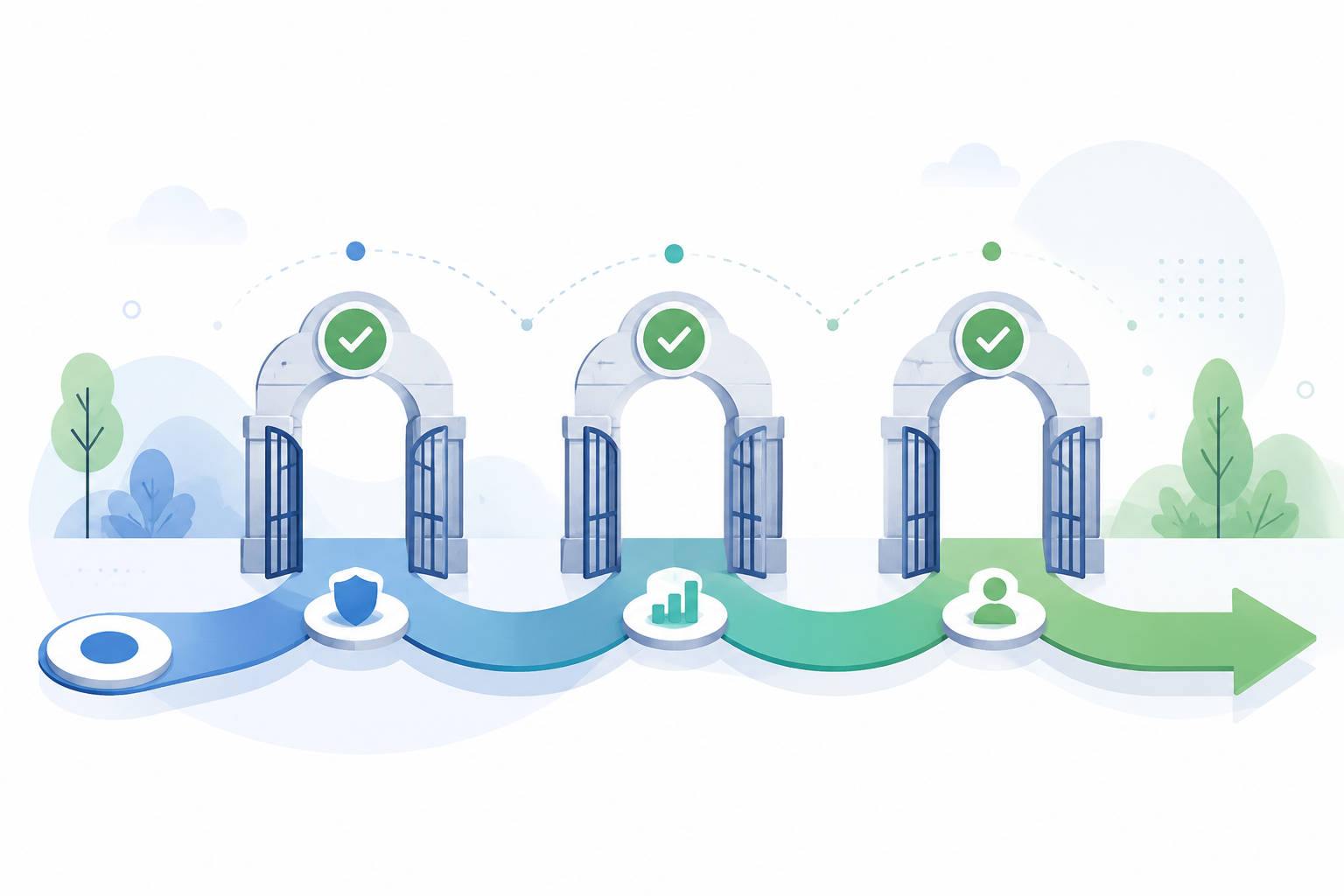
This playbook walks through the three setup paths for AI Max for Search campaigns, covering prerequisite validation, feature selection strategy, and the first two weeks of monitoring to prevent budget waste.
Before you click into AI Max for Search campaigns setup, decide whether the account deserves the test. The interface will let you move fast. The account may not. A campaign with thin conversion data, vague conversion actions, weak negatives, or brittle tracking can still be eligible, but eligibility is not the same as a clean experiment.
Google’s documented setup paths are simple: create a new campaign with AI Max, enable AI Max on an existing Search campaign, or run an experiment. Google’s official minimum budget cited in practitioner setup guidance is $50 per day, while Digital Applied’s agency testing across more than 600 accounts uses a much higher working benchmark: about $750 per day, or 15x target CPA, for more consistent learning conditions.[1] Treat the first number as a floor. Treat the second as a stability signal, not a law.
| Stage | Action | Do not skip |
|---|---|---|
| 1. Validate readiness | Check Smart Bidding, conversion volume, conversion quality, budget, negatives, site quality, and tracking. | Do this before choosing a setup path. |
| 2. Choose the entry route | Use a new campaign, existing campaign setting, or experiment. | Use an experiment when you need cleaner risk isolation. |
| 3. Stage the features | Start with search term matching, add text customization only when messaging is safe, and leave final URL expansion until landing-page control is proven. | Do not enable all three if you need to know what caused the result. |
| 4. Configure controls | Set ad-group controls, brand exclusions, negatives, and network settings. | Do this before launch, not after the first bad search term report. |
| 5. QA and monitor | Check tracking templates, landing-page destinations, impression sources, query quality, asset behavior, and conversion quality. | Decide in advance what would trigger adjustment or pause. |
Run the readiness check before you touch the toggle
AI Max works inside Search campaigns, but it changes the amount of interpretive work the system can do. Broader query matching, adaptive text, and dynamic landing-page behavior all depend on the quality of the signals you give it. If those signals are messy, the launch does not become more advanced. It becomes harder to diagnose.
Start with Smart Bidding. AI Max should not be the first major learning shock in an account that is already struggling to produce stable conversion feedback. If the campaign is using a target CPA or target ROAS strategy, check whether recent conversions are numerous enough and consistent enough for that target to mean anything. If the account only records a handful of conversions, or if the conversion action includes low-intent events mixed with qualified leads or purchases, AI Max will optimize toward whatever you told Google to value.
Then check budget against the account’s CPA reality. Digital Applied describes a home services case where weekly conversions rose from 8 to 47 while holding a $50 CPA after the budget was increased, but that is a case study, not a universal promise.[1] The useful lesson is narrower: a low-budget test may produce too little feedback to separate poor setup from normal learning noise.
- Conversion actions: primary actions should represent real business value, not every soft engagement event.
- Recent signal depth: the campaign should have enough recent conversion activity for Smart Bidding to learn from.
- Budget: the daily budget should support the target CPA or target ROAS without choking learning immediately.
- Negative coverage: competitor, research-only, employment, support, and irrelevant product terms should be handled before launch.
- Landing pages: the site should have clear, indexable, policy-safe content that reflects what the business actually wants to sell.
- Tracking: templates, ValueTrack parameters, redirects, consent behavior, and final URL handling should survive dynamic landing-page choices.
The negative keyword review deserves more than a quick skim. smec reported one account where AI Max scaled into competitor traffic that accounted for 69% of total Search impressions.[2] That is not proof that every AI Max rollout will chase competitors. It is proof that brand and competitor controls are not paperwork. They are launch controls.
Network settings deserve the same suspicion. In one smec example, 50% of 500,000 monthly impressions flowed into the Search Partner Network, where the conversion rate was 0.07% versus 3.04% on Google Search.[2] That is a single campaign example, so it should not be inflated into a universal SPN rule. For an initial AI Max test, though, excluding Search Partners gives you a cleaner read on query expansion before you add another source of traffic variance.
Choose one of the three setup paths
The three entry routes lead into the same operating model. The right choice depends on whether you are building fresh, changing a live campaign, or trying to preserve a cleaner comparison.
Path 1: Create a new Search campaign with AI Max
Use the new-campaign path when the current structure is too cluttered to produce a readable test, or when the business wants a separate budget and launch scope. In Google Ads, create a new campaign, choose the applicable objective, select Search as the campaign type, and enable AI Max during campaign setup where Google presents the AI Max option for Search campaigns.[3]
A new campaign makes budget control easier, but it also starts with less campaign-specific history. That trade-off is acceptable when the alternative is modifying a legacy campaign with years of exceptions, obsolete ad groups, and negatives nobody wants to own.
Path 2: Enable AI Max on an existing Search campaign
Use the existing-campaign path when the campaign already has useful Smart Bidding history, clean conversion actions, and a structure you trust. Google documents the setting under the campaign’s Settings area, inside Additional Settings, where AI Max can be enabled for an eligible Search campaign.[3]
This is the fastest path and the easiest one to abuse. If performance moves after you enable AI Max and also change budget, targets, ads, negatives, landing pages, and network settings in the same week, the account has not run a test. It has created a meeting agenda.
Path 3: Launch an experiment
Use the experiment path when you need a safer rollout or a more defensible comparison. Google’s documented experiment workflow runs through Campaigns > Experiments and supports an A/B framework such as a 50/50 split, with a 2-4 week learning period followed by at least 2 additional weeks of evaluation.[3]
That timing matters. The first few days are not a verdict, especially if the campaign is shifting into broader query matching. If leadership expects an answer after one week, set that expectation before launch. A rushed readout can punish the system for learning turbulence or, worse, reward a spike in low-quality conversions that has not yet made it into the CRM.
Stage the AI Max features instead of enabling everything at once
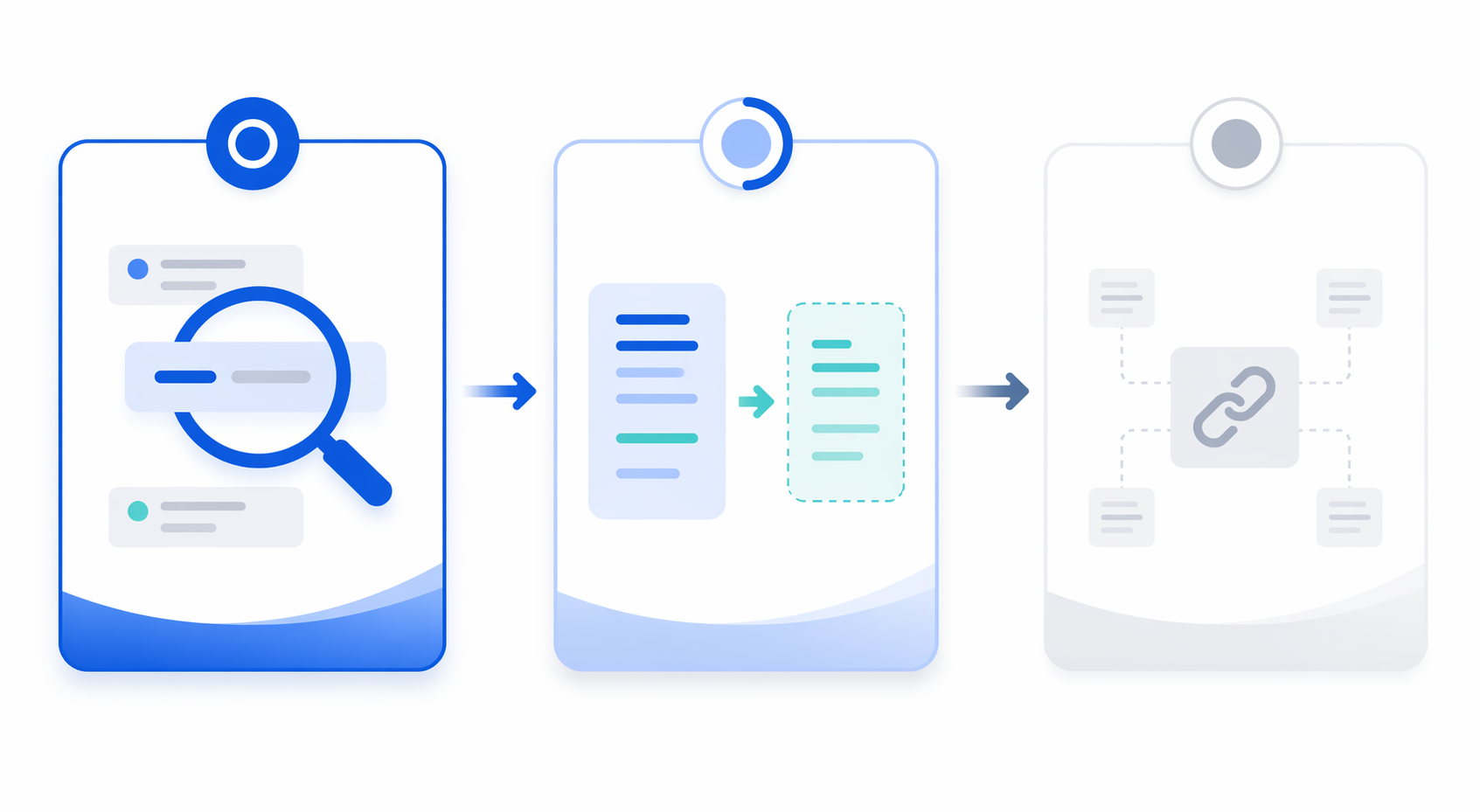
AI Max for Search is not one operational change. The setup can involve search term matching, text customization, and final URL expansion. Lachi Media’s best-practice guidance separates conservative, selective, and aggressive adoption patterns across those features, including the recommendation to disable text customization when site content quality is poor.[4] That distinction is useful because each feature changes a different part of the account.
Start with search term matching
Search term matching is the lowest-friction first stage because it mainly tests whether Google can find additional relevant demand beyond the current keyword structure. It still needs guardrails, but it does not immediately rewrite your messaging or send users to unapproved destinations.
Before launch, expand negatives around products you do not sell, service areas you do not cover, hiring and support terms, competitor names you do not want to bid on, and informational queries that historically drain spend. If the account intentionally bids on competitor terms, isolate that strategy rather than letting AI Max discover it by accident.
Add text customization only when the site can support it
Text customization is a messaging risk, not just an asset feature. If the site has thin product copy, outdated claims, unclear pricing language, weak compliance review, or multiple business lines mixed on the same page, adaptive text can surface phrasing the advertiser would not have written manually. Lachi Media’s guidance specifically calls out disabling text customization when site content quality is poor.[4]
For regulated, high-consideration, or brand-sensitive accounts, review the landing pages and existing ad copy before enabling this feature. The question is not whether Google can generate text. The question is whether the available source material is clean enough that generated variations remain accurate.
Hold final URL expansion for last
Final URL expansion changes landing-page control. That makes it the feature to stage last, especially in accounts where different pages imply different margins, lead quality, sales teams, regions, policies, or conversion paths.
If you enable it, exclude pages that should never receive paid traffic: careers pages, support articles, investor pages, old campaign pages, gated assets that do not match the ad intent, discontinued products, login pages, and any page with tracking or consent behavior you have not tested. A dynamic landing-page choice is only useful if the account owner is comfortable defending the destination.
Configure ad-group controls before launch
Once the entry path and feature stage are chosen, configure controls at the level where the decision actually belongs. Campaign-level settings are blunt. Ad-group-level controls are where you protect intent differences between product lines, service categories, regions, and funnel stages.
- Keep tightly different offers in separate ad groups so query expansion does not blur commercial intent.
- Apply brand exclusions where the campaign should not pursue specific brand or competitor traffic.
- Review campaign and account-level negative lists for stale conflicts before adding new exclusions.
- Exclude Search Partners during the first read if you need cleaner Google Search performance data.
- Document which AI Max features are enabled at launch so later performance changes have a timeline.
This is also the point to decide whether the test belongs in a campaign that includes branded traffic. Branded terms can make a rollout look safer than it is, while competitor and adjacent-brand traffic can make it look busier than it is. If the goal is to evaluate incremental non-brand demand, do not let mixed intent hide the answer.
QA tracking and landing-page behavior
The most expensive AI Max setup mistakes are not always bidding mistakes. Some are plumbing mistakes. Digital Applied warns that static URLs in tracking templates, instead of {lpurl} tags, can break dynamic landing pages.[1] That is a pre-flight check, not a troubleshooting note for after spend has already leaked.
- Open the campaign, ad group, account, and final URL suffix tracking settings and look for static landing-page assumptions.
- Confirm that templates use dynamic landing-page-compatible parameters such as {lpurl} where required.
- Test redirects, auto-tagging, UTMs, consent mode behavior, and analytics attribution on allowed landing pages.
- Preview likely destination pages before final URL expansion is enabled.
- Confirm that CRM or offline conversion imports still map correctly after traffic reaches alternate pages.
If tracking breaks, the campaign may optimize against partial or distorted feedback. If landing pages change without review, the sales team may inherit leads from pages they did not expect. Neither problem will be obvious from the AI Max toggle itself.
Monitor the first two weeks like a controlled launch
The first two weeks are not just a performance check. They are a containment period. If the test is running through an experiment, remember Google’s documented timing: 2-4 weeks for learning and at least 2 more weeks for evaluation.[3] The first two weeks still matter because they reveal whether the setup is sending spend into places you already know are wrong.
| What to check | What you are looking for | Likely action |
|---|---|---|
| Search terms | Irrelevant categories, competitor drift, research-only intent, support or employment queries. | Add negatives, tighten brand controls, or split intent into cleaner ad groups. |
| Conversion quality | Form fills, calls, purchases, or imported conversions that look materially weaker than the baseline. | Audit conversion actions and CRM feedback before scaling. |
| Spend distribution | Budget shifting into one ad group, query cluster, device, geography, or network source without business justification. | Adjust structure, exclusions, or budget allocation. |
| Landing-page destinations | Traffic reaching pages that sales, legal, product, or analytics teams would not approve. | Exclude URLs or disable final URL expansion. |
| Asset behavior | Text variations that overstate claims, mismatch offers, or pull from weak site copy. | Pause text customization until source content is fixed. |
| Impression sources | Search Partner Network volume obscuring Google Search results during the initial read. | Exclude SPN if the test needs cleaner signal. |
Do not wait for the final evaluation window to fix obvious irrelevance. A bad search term pattern on day three is not sacred learning data. It is a control issue. The line is between normal exploration and spend that violates the campaign’s commercial intent.
At the same time, avoid judging a properly contained test on daily CPA swings alone. If the campaign is still inside the learning period, use the first two weeks to verify that traffic sources, queries, landing pages, and conversion actions are plausible. Save the fuller performance judgment for the agreed evaluation window.
Decide whether to continue, adjust, or pause
A staged rollout gives you more useful decisions because you know what changed. If only search term matching was enabled, query quality is the first diagnostic layer. If text customization was added, review message quality and conversion quality. If final URL expansion was added, inspect destination pages before blaming bidding.
Agency guidance cited across Digital Applied, Lachi Media, and smec uses practical pause or disable signals such as CPA remaining 30% or more above target after 4 weeks, 99% or more of impressions producing zero conversions, or persistent irrelevant queries despite aggressive negatives.[1][2][4] These thresholds should not replace account judgment, but they are better than arguing from a chart that nobody defined before launch.
- Continue when query relevance is improving, conversion quality is acceptable, landing pages are controlled, and CPA or ROAS is moving toward the agreed target window.
- Adjust when one layer is clearly responsible, such as SPN volume, competitor drift, weak text customization, or an unsafe destination page.
- Pause when the test cannot generate meaningful signal, keeps spending into irrelevant intent, or breaks the business rules the campaign was supposed to respect.
If you need a broader feature overview before using this workflow, the companion AI Max feature breakdown for paid search practitioners covers the product mechanics in more detail. For setup, the cleaner rule is simpler: validate the account first, choose one entry route, enable only the feature stage you can evaluate, and know what would make you stop before the spend starts.
References
- Google AI Max for Search: Complete Setup Guide 2025, Digital Applied
- The Ultimate Guide to AI Max for Google Search, smec
- How AI Max for Search campaigns works, Google Ads Help
- 18 Google Ads AI Max for Search Best Practices, Lachi Media
Comments
Join the discussion with an anonymous comment.