
National Intern Day employer marketing needs Meta guardrails
Meta's default-on Advantage+ Creative enhancements make National Intern Day employer posts one of the highest-risk creative classes a media buyer can run. The per-asset guardrails: preview every enhancement, disable Text Improvements and Music on HR-sensitive creative, keep intern UGC unmodified, and disclose AI content — a checklist that should extend through the whole recruiting cycle, not just the holiday.
- Platform
- Meta
- Creative type
- AI image ads0 AI video ads
- Last reviewed
- 0-08-01
The awkward part of a National Intern Day employer marketing campaign is no longer the caption. It is the campaign build. Since February 2026, every new Meta Sales, Leads, and App campaign launches with every Advantage+ Creative enhancement on by default; Meta also tests up to 5% of impressions on new enhancement combinations that can scale automatically if they perform well.[1] Put that default next to an intern’s face, a testimonial about workplace experience, and recruiting-adjacent copy, and the asset stops behaving like ordinary holiday creative.
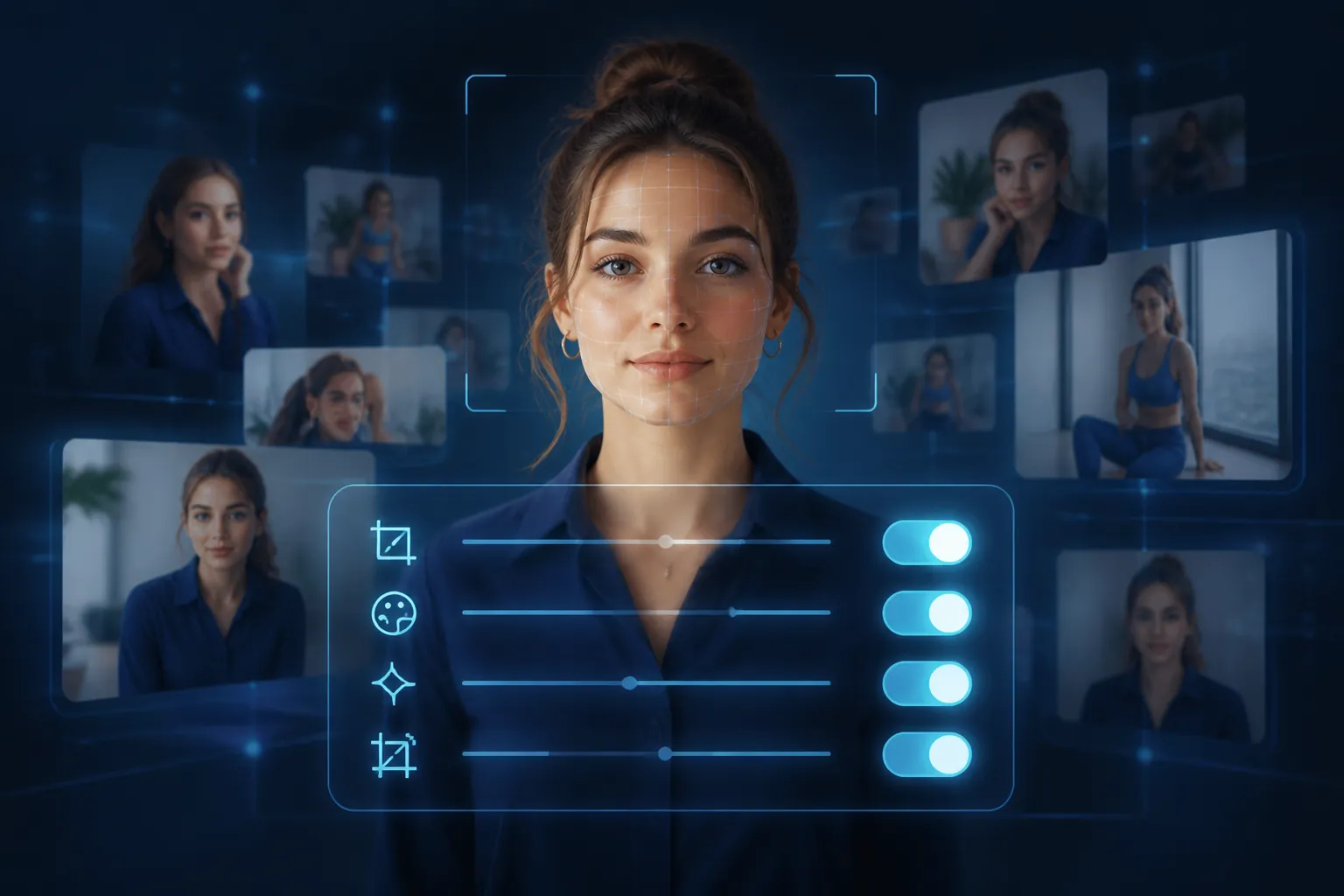
That is the useful answer behind most searches for “national intern day employer marketing ideas” in 2026. Yes, employers can thank interns, post a short video, share a carousel, or send paid traffic to an early-careers page. But if the buy runs through Meta as a Leads, Sales, or App campaign, the first creative idea should be a guardrail: decide which parts of the intern asset Meta is not allowed to improve.
The calendar is tight but not complicated. National Intern Day falls on July 30 in 2026. Yello Top 100 Interns nominations close August 7, 2026. The next planning cycle should already point toward July 29, 2027. Those dates matter because the same footage, quotes, profile pages, and intern stories tend to travel from a holiday post into recruiting ads, campus content, recap videos, and nomination pushes. If the original asset is sloppy about automation, the sloppiness follows the asset.
Why intern creative deserves a stricter Meta setup
A product image can survive a surprising amount of platform meddling. A cropped shoe, a brighter background, a slightly reworked headline, or a music-backed product video may still be within the buyer’s tolerance if the performance case is strong. Intern creative is different because the asset is usually carrying more than promotion.
The intern is often identifiable. The copy can sound like an endorsement of the employer. The video may describe a manager, a team, a project, or a workplace culture claim. The audience may include future applicants, parents, university staff, employees, competitors, and the intern’s own network. A small creative change can shift the meaning from “we appreciate our interns” to “this person is publicly selling our workplace.”
That is why the buyer’s workflow matters more than the brainstorm. A brand team may approve a clean 15-second edit. HR may approve the quote. Legal may approve the landing page. The intern may approve the way their face and words appear in the file that was sent over. None of that automatically means everyone approved a platform-generated text variation, a different crop, a soundtrack, or a new enhancement combination that only appears to part of the delivery pool.
The 5% testing detail is easy to dismiss because it sounds small. In practice, it is the part that should make the media buyer slow down. If a new enhancement combination is eligible to test and then scale, the buyer should not treat the uploaded asset as the only version in market. The approved asset is the starting material.
The campaign type decides whether this is a creative issue or a paid-risk issue
The February 2026 default-on change applies to new Sales, Leads, and App campaigns.[1] That boundary matters. An employer running an organic LinkedIn thank-you post is dealing with a different review problem. A company boosting a simple awareness-style post may have a different Meta setup. But a recruiting team collecting leads, pushing internship interest forms, or sending candidates toward an application flow is exactly where this becomes paid-platform operational work.
A National Intern Day lead campaign might look harmless in the brief: “Celebrate our summer interns and invite next year’s candidates to join the talent community.” In Ads Manager, that same brief can become a campaign with default-on creative enhancements attached to footage of real interns and copy that signals employer reputation. That is the point where the buyer should stop treating the campaign as seasonal content and start treating each asset as approved human-subject creative.
| Asset element | Why it is sensitive | Buyer action before launch |
|---|---|---|
| Intern face or voice | The person is identifiable and may be understood as endorsing the employer. | Preview every enhancement and keep the approved framing intact. |
| Testimonial-style quote | A rewrite can change tone, certainty, or implied claim. | Disable Text Improvements on HR-sensitive assets. |
| UGC-style video | The value is that it feels directly approved by the person who made or appeared in it. | Run the file unmodified unless the creator and approvers reviewed the modified version. |
| Recruiting or employer-brand copy | The ad can affect applicant expectations and workplace claims. | Document the approved copy and any disabled enhancement settings. |
| AI-assisted image, video, or edit | The asset may need clear disclosure and additional review. | Use the required AI-content disclosure workflow when AI-assisted content is present. |
The asset-level playbook
This is not an account-wide philosophy exercise. The useful work happens asset by asset, because one campaign may contain a safe branded graphic, a sensitive intern testimonial, a recruiter talking-head clip, and a lightly edited UGC video. Those should not all receive the same automation treatment just because they sit in the same ad set.
1. Preview every enhancement before the campaign spends
The preview step is where a buyer catches the gap between “approved creative” and “deliverable creative.” Do not review only the uploaded file in the asset library. Open the enhancement previews for the actual ad, with the actual copy, destination, format, and placement context.
For a National Intern Day ad, the review should answer plain questions: Does the intern’s face remain in the approved context? Does the crop change who appears central? Does the text still sound like the employer’s approved claim rather than a more promotional promise? Does the final ad still feel like recognition, or has the platform made it feel like a recruiting pitch built out of someone’s personal story?
If a preview cannot be reviewed clearly enough, that is not a reason to trust the default. It is a reason to narrow the automation on that asset.
2. Disable Text Improvements on HR-sensitive copy
Text Improvements are the easiest enhancement to underestimate because the output often looks like normal ad polish. With intern creative, polish can be the problem. A softer quote can become more absolute. A thank-you line can become an invitation to apply. A careful workplace statement can become a claim the HR team did not approve.
Disable Text Improvements for any asset that includes an intern quote, an employee testimonial, recruiting language, workplace-culture claims, compensation or career-growth language, diversity-related claims, or copy reviewed by HR or legal. The reason is not that the platform will always produce a bad line. The reason is that the approved line is part of the asset’s permission structure.
A safe version of this campaign can still use strong writing. Write the primary text yourself. Give HR the final copy in context. Keep a record of the approved version. If the employer wants alternate hooks, build them as separate reviewed ads rather than letting the platform create unreviewed variations around a real person’s experience.
3. Disable Music when the soundtrack changes the meaning of the person’s story
Music looks cosmetic until the ad contains a real intern speaking about work. A soundtrack can make the same clip feel sentimental, comic, urgent, glamorous, or salesy. That may be fine for a product montage. It is a bad surprise on a testimonial-style employer asset.
Disable Music on intern UGC, testimonial videos, manager praise clips, “day in the life” footage, and any ad where the person’s tone is part of the approval. If the brand wants music, add it in the edited file and get that version approved before upload. Then the soundtrack is part of the reviewed asset, not a delivery-time enhancement.

4. Keep intern UGC unmodified unless the modified version is approved
UGC is often approved casually: an intern records a quick clip, a recruiter trims it, the employer adds a logo card, and the buyer receives the file close to launch. That is exactly the kind of asset that should not be handed over to broad automated variation. Its credibility comes from the person appearing to speak for themselves.
Keep the intern’s words, sequence, framing, and tone as close to the approved file as possible. If the creative team wants a shorter cut, a new hook, subtitles with tightened wording, a different opening frame, or music, make that a named version and route it for approval. Do not bury the change inside an enhancement toggle and hope the platform’s performance signal makes the judgment for you.
This also protects the employer. If a candidate, employee, school partner, or the intern asks what ran, the team can point to the file and the settings that governed it. That is much cleaner than explaining that several platform-generated treatments may have delivered to a small test audience before one scaled.
5. Disclose AI-assisted content when it is present
If the asset uses AI-assisted content, use the disclosure workflow instead of treating the edit as ordinary design support. This is especially important when the creative involves a realistic person, a workplace setting, or a testimonial-like message. The disclosure should be handled during build, not after comments start asking whether the image or video is real.
There is a practical line worth drawing in the handoff notes. If AI helped resize a background graphic for a non-person brand card, that is a different risk profile from AI altering a person’s likeness, voice, setting, or implied workplace experience. The buyer does not need a speech about responsible AI to act on that distinction. They need to know which files include AI assistance and which disclosure boxes, approvals, or disabled enhancements go with those files.
A better brief for National Intern Day paid creative
Most National Intern Day idea lists start in the wrong place for paid social. They ask for formats first: carousel, quote card, behind-the-scenes reel, intern takeover, giveaway, office tour. Those can all work as employer content. They just do not answer the question the person in Ads Manager has to answer before launch.
A stronger paid brief labels the asset class before it labels the format.
- Branded appreciation graphic with no person featured: eligible for normal creative testing, subject to brand review.
- Group photo of interns: review crops and framing; avoid enhancements that change who is emphasized.
- Intern quote card: disable Text Improvements; use only approved wording.
- Intern UGC video: keep unmodified unless the modified version is reviewed by the right people.
- Recruiting lead ad using intern story: treat as HR-sensitive; document copy, destination, disclosures, and disabled enhancements.
- AI-assisted intern or workplace creative: disclose AI content when present and apply stricter approval before spend.
That classification gives the brand team room to make good creative without making the buyer guess which toggles are safe. It also prevents the common late-stage scramble where a media team receives six assets named “final,” “final-paid,” and “final-v3,” then has to decide under deadline whether Meta’s defaults are acceptable for all of them.
The pre-launch notes worth saving
Documentation does not need to become a legal memo. It needs to be specific enough that another buyer, HR reviewer, or account lead can see what was approved and what was disabled. For National Intern Day and recruiting-cycle assets, save the details at the ad or asset level.
- Asset name and final file reviewed.
- Whether the asset contains an intern, employee, testimonial, workplace claim, or recruiting message.
- Which Advantage+ Creative enhancements were previewed.
- Whether Text Improvements were disabled.
- Whether Music was disabled.
- Whether the asset includes AI-assisted content and whether disclosure was completed.
- Who approved the final copy and creative, especially when the ad uses an intern’s words or likeness.
This is also where an AI-creative workflow belongs. Track Meta’s dated defaults, keep the buyer checklist close to the campaign build, and do not let employer-brand assets drift into the same automation lane as catalog-style promotional ads.
Use the holiday as the rehearsal, not the exception
National Intern Day concentrates the problem because it puts young workers, praise, career language, and lightly approved social footage into one calendar moment. But the risk is not created by July 30. It is created by the combination of platform defaults and asset type.
The same guardrails should follow the employer through the August nomination push, fall campus recruiting, spring internship marketing, and the 2027 planning cycle. When the creative uses real employees, interns, testimonials, or workplace claims, preview the enhancements, disable Text Improvements and Music where the person’s story is sensitive, keep UGC unmodified unless the modified version is approved, and disclose AI content when AI-assisted content is present.
References
This is a record of what happened and what was tested, not legal advice. Compliance determinations require qualified counsel.