Your Practical Google Cloud AI Toolkit for Marketing Automation
Google Cloud offers a powerful but fragmented AI platform for marketing. This guide maps the key products to specific automation tasks, breaks down real pricing, and gives you a starting path — no cloud engineering background required.
The first thing to know about Google Cloud AI for marketing automation is that there is no single product with that name. There is no clean “launch campaign” button hiding inside Google Cloud Console. What exists is a set of AI, data, search, media, and agent services that can be assembled into marketing workflows if your team knows which service owns which job.
That distinction matters because it changes the buying question. You are not choosing between Google Cloud AI and a marketing automation suite like HubSpot, Salesforce Marketing Cloud, or Adobe Journey Optimizer. You are deciding whether your team has a specific enough workflow, usable enough data, and enough technical ownership to build on Google’s infrastructure layer without creating a billing or maintenance problem.
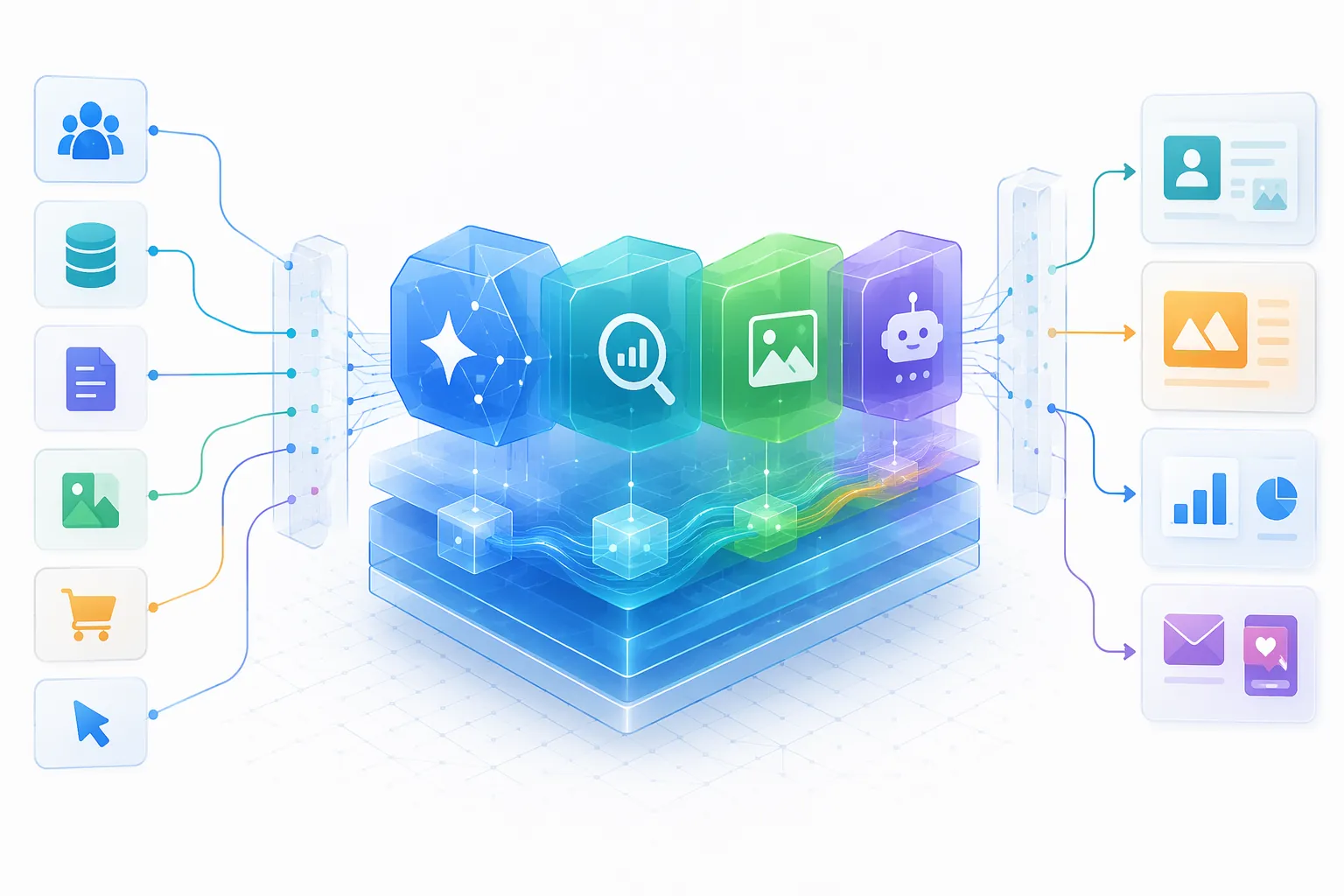
The Practical Map: Which Google Cloud AI Product Does What?
If you enter Google Cloud through the wrong doorway, everything feels harder than it needs to be. A paid media manager looking for campaign forecasting does not need to start with agent runtime. A content team testing generated product copy does not need to begin with BigQuery ML. A retail marketer trying to personalize search results should not treat a general chatbot as the core system.
| Marketing task | Google Cloud service to examine first | What it is useful for | Where cost or complexity usually appears |
|---|---|---|---|
| Generate or personalize copy | Gemini models through Vertex AI / Gemini Enterprise Agent Platform | Email variants, ad copy drafts, product descriptions, landing page personalization logic, chat responses | Token pricing, model tier selection, prompt volume, output length, thinking tokens |
| Analyze customer, campaign, or revenue data | BigQuery | Joining Google Ads, Google Analytics 360, CRM, ecommerce, and offline conversion data; forecasting and segmentation | Query volume, storage, data modeling, permissions, governance |
| Improve retail search or recommendations | Discovery AI / Google Cloud AI for retail | Product discovery, personalized recommendations, search relevance, shopping experiences | Search query pricing, catalog quality, integration with ecommerce systems |
| Create images or video for campaigns | Imagen and Veo | Concept visuals, product scenes, creative iteration, content production workflows | Media generation volume, review workflows, brand approval, rights and compliance checks |
| Build conversational experiences | Agent Builder / Agent Engine | Shopping assistants, service bots, knowledge-grounded campaign or product agents | Runtime, search queries, grounding charges, tool connections, handoff logic |
The naming is also moving under your feet. As of Google Cloud Next ’26 in April 2026, coverage of the platform described Vertex AI being rebranded into the Gemini Enterprise Agent Platform, with agent-building capabilities becoming a more visible center of gravity for enterprise AI work.[1] For a practical marketer, the lesson is simple: check current product names before you hand a guide to procurement or engineering. Stale names are how an otherwise good plan gets lost in the console.
Gemini and Vertex AI: Good for Prototypes, Expensive If You Stop Counting
For most marketers, Gemini through Google Cloud is the obvious starting point because the use cases are familiar: generate product copy, summarize customer feedback, rewrite paid social variants, draft landing page sections, classify support tickets, or power a campaign assistant. This is the part of Google Cloud AI that feels closest to the AI tools marketers already use.
The important difference is that, in Google Cloud, the model is usually a component inside a workflow rather than the workflow itself. A generated email variant still needs a source of truth for customer attributes, a place to store approved copy, a QA step, a send system, and someone who decides what happens when the model produces something off-brand.
Token rates can look pleasantly small at prototype scale. CloudZero’s Vertex AI pricing guide lists Gemini 2.5 Flash-Lite at $0.10 per million input tokens and $0.40 per million output tokens, Gemini 2.5 Flash at $0.15 per million input tokens and $0.60 per million output tokens, Gemini 2.5 Pro at $1.25 per million input tokens and $10.00 per million output tokens, and Gemini 3.1 Pro at $2.00 per million input tokens and $12.00 per million output tokens.[2] Those rates make it reasonable to test a copy generation or classification workflow before anyone asks for a platform migration.
The trap is reading model pricing as total workflow pricing. A campaign assistant that starts with a short prompt can become expensive when it adds long customer histories, product feeds, search retrieval, grounding, multi-turn conversations, and high-output responses. A prototype that processes a few hundred rows in a spreadsheet is not the same economic object as a production job rewriting thousands of product descriptions or responding to customers all day.
BigQuery Is the Analytics Spine, Not a Side Feature
BigQuery is where Google Cloud becomes more interesting than another standalone AI writing tool. Marketing automation depends on decisions: who qualifies, who gets suppressed, which audience moved, which SKU is forecast to spike, which campaigns are wasting budget, and which customer events should trigger action. Those decisions need joined data, not just a model prompt.
Google Cloud’s marketing analytics materials position BigQuery as a way to unify marketing and customer data, including sources such as Google Ads, Google Analytics, CRM systems, and other business data, so teams can analyze performance and activate insights across tools.[3] InfoTrust also highlights BigQuery’s role in digital marketing analytics, including unified data across Google Ads, Google Analytics 360, and CRM data, plus forecasting with ARIMA models.[4]
This is the part many marketing teams underestimate. If your data lives in five tools with inconsistent campaign names, duplicated customer records, and unclear consent fields, Gemini will not magically produce a clean lifecycle automation strategy. BigQuery can give the workflow a backbone, but someone still has to define the joins, ownership, refresh cadence, and permission model.
A reasonable first BigQuery-backed marketing automation project is not “personalize everything.” It is narrower: identify customers who meet a clear condition, pass that segment to a downstream activation tool, and measure whether the handoff worked. For example, a team might build a churn-risk audience, a post-purchase cross-sell segment, or a paid media suppression list. The value is not that AI writes a clever message; the value is that the data logic becomes visible, testable, and reusable.
Discovery AI Belongs in Retail Search and Recommendations
Discovery AI is not the first stop for every marketer. It is a better fit when the marketing workflow sits close to product discovery: onsite search, recommendations, category navigation, and shopping experiences. Google Cloud’s retail AI materials describe AI for retail use cases including personalized product recommendations and search.[5]
That makes it relevant for ecommerce teams that care about search result quality, not just message generation. If shoppers search for “lightweight jacket for rain” and your catalog calls those products “shells,” the automation problem is partly language, partly merchandising, and partly data structure. A generic campaign generator will not solve that by itself.
The buying caution is that retail search personalization has more dependencies than a demo suggests. It needs a usable product catalog, event data, inventory awareness, frontend integration, and a measurement plan that distinguishes better search relevance from broader traffic or promotion effects. It can be valuable, but it is not a shortcut around retail data hygiene.
Imagen and Veo: The Kraft Heinz Example Is Real, but Narrow
Media generation is where the story becomes concrete. At Google Cloud Next ’25, Justin Thomas of Kraft Heinz said the company used Veo and Imagen on its Tastemaker platform to reduce creative production from eight weeks to eight hours.[6] That is the kind of operating change marketers notice because it compresses calendar time, review cycles, and production dependency.
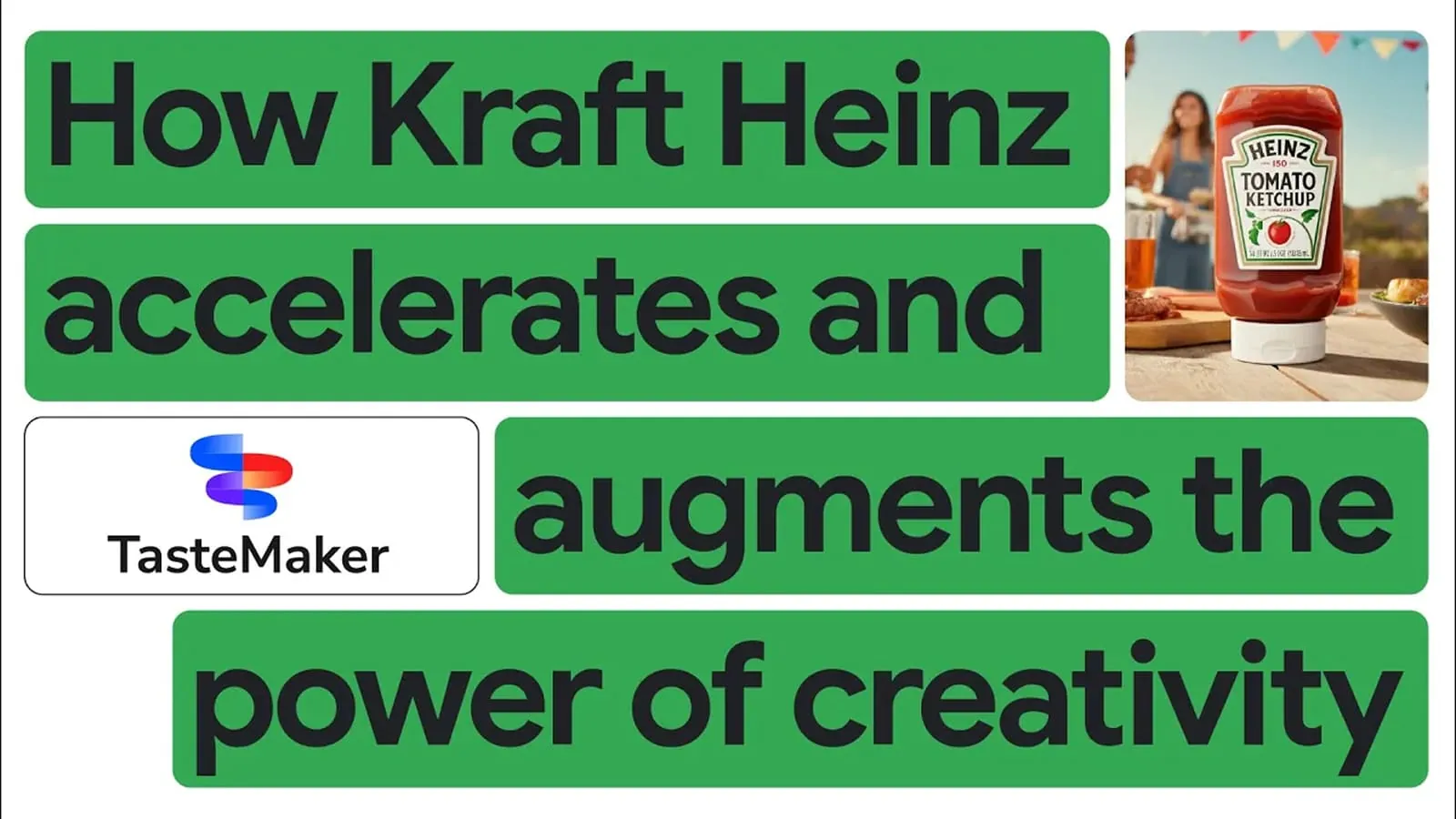
It should not be stretched into proof that every marketing workflow can move from weeks to hours. The cited example is about creative production using media generation, not a full-funnel replacement for planning, targeting, compliance, trafficking, measurement, and budget allocation. The more useful takeaway is narrower and stronger: Imagen and Veo can matter when the bottleneck is producing and iterating approved visual assets.
That still leaves the human workflow intact. Someone defines the brief. Someone checks claims, packaging accuracy, brand standards, rights, and channel fit. Someone decides which generated assets are safe to use. The AI may shorten the production loop, but approval ownership does not disappear.
Agents Are Where the Bill Can Change Shape
Agent Builder and Agent Engine are attractive because they sound like the missing layer between AI capability and finished marketing experience. A shopping assistant, campaign knowledge bot, customer service agent, or internal planning assistant is easier to explain than a list of model APIs. The danger is that an agent is rarely one SKU.
An agent may call a Gemini model, search a knowledge base, ground responses, use tools, run on agent infrastructure, and log interactions for review. MarTech’s Google Cloud Next ’26 coverage reported Agent Builder search pricing at $4 to $6 per 1,000 queries and grounding at $14 to $35 per 1,000 queries.[1] CloudZero’s pricing guide lists agent runtime at $0.0864 per vCPU-hour.[2]
Those are not scary numbers by themselves. They become risky when nobody knows how many times the agent searches per conversation, whether every answer requires grounding, how long the runtime stays active, or whether internal testers are accidentally creating production-like usage. The cost question is not “What is the model rate?” It is “How many billable steps happen each time a user asks for help?”
For a marketer, this is also an ownership question. If a conversational product recommender gives the wrong answer, who reviews the logs? If it cites outdated product information, who owns the source content? If grounding costs spike after a campaign launch, who gets the alert? Agents are useful only when the operating model is as explicit as the prompt design.
What It Can Cost Before and After Prototype
A small Google Cloud AI marketing prototype can often stay under $100 per month when it uses free-tier resources, trial credits, low-volume testing, and lower-cost model tiers; Google Cloud also offers a $300 trial credit for new customers.[2] That is enough to test whether a workflow is technically plausible: classify a sample of leads, draft product copy from structured fields, summarize campaign notes, or build a small internal assistant.
Production is a different conversation. Based on the pricing components in CloudZero’s Vertex AI guide and the agent/search pricing reported from Google Cloud Next ’26, production workflows that combine agents, search, grounding, model calls, and runtime can range from roughly $2,000 per month to $100,000 or more per month depending on query volume, model tier, retrieval patterns, and traffic.[1][2]
| Cost area | Why marketers underestimate it | What to ask before launch |
|---|---|---|
| Model tokens | Input and output pricing looks tiny until prompts include long context and large outputs | Which model tier is required, and how long are typical prompts and responses? |
| Thinking tokens | Reasoning-heavy model behavior can add billable token usage beyond the visible prompt | Do we need deeper reasoning for this task, or is a faster low-cost model enough? |
| Search queries | Agents may search multiple times inside one user session | How many searches happen per conversation or completed task? |
| Grounding | Grounded answers can carry separate per-query charges | Which answers truly require grounding, and which can use static approved content? |
| Runtime and endpoints | Infrastructure can keep costing money when usage is low or idle | What shuts down automatically, and who reviews idle resources? |
| Multi-SKU stacking | One workflow can trigger model, search, storage, runtime, and logging charges | Can we see the full bill path for one completed user action? |
The practical move is to price one completed workflow, not one API call. If the task is “generate five approved email subject lines for a segment,” cost the data lookup, prompt, model response, storage, review, and any retries. If the task is “answer a shopper’s product question,” cost the conversation, not the first response.
Where Google Ads Automation Fits — and Where It Does Not
Google’s own marketing automation materials often discuss Google Ads features such as Smart Bidding, broad match, value-based bidding, and Performance Max. Think with Google reports that advertisers using broad match with Smart Bidding see 25% more profits on average, value-based bidding delivers 14% higher conversion value on average, and Performance Max drives 13% incremental conversions on average at a similar cost per action.[7]
Those figures are useful context, but they are not the same category as building on Google Cloud AI. Google Ads automation is packaged inside the ad platform. Google Cloud AI is infrastructure you assemble. A paid media team may use both, but the implementation burden is different. Turning on a bidding strategy is not the same as building a grounded product recommendation agent or a BigQuery-backed lifecycle segmentation system.
A Low-Risk Starting Path for a Non-Engineer Marketer
The safest first project is not the most impressive demo. It is a workflow small enough that a marketer can explain the business rule, a technical partner can wire the system, and finance can understand the bill. Start where the consequence of a bad output is reviewable rather than customer-facing.
- Name one task in plain language: “classify inbound demo requests,” “draft product descriptions from approved attributes,” “summarize campaign performance notes,” or “identify customers eligible for suppression.”
- Choose the service by job: Gemini for generation or classification, BigQuery for audience and analytics logic, Discovery AI for retail search and recommendations, Imagen or Veo for visual production, Agent Builder for conversational experiences.
- Define the input and owner: which table, document, feed, or knowledge base is trusted, and who updates it when it becomes wrong?
- Estimate cost per completed action: include model calls, query volume, search, grounding, runtime, storage, retries, and expected traffic.
- Put a human review step at the point of highest consequence: claims, pricing, segmentation, suppression, customer-facing answers, or brand-sensitive creative.
- Set billing alerts before launch: alerts should go to the workflow owner, not only to an engineering inbox.
A good first month might look almost boring: one BigQuery dataset, one Gemini workflow, a sample audience or content batch, a manual approval step, and a budget alert. That is enough to learn whether Google Cloud AI is a fit without pretending the team has already built an enterprise automation platform.
When Google Cloud AI Is the Right Marketing Automation Bet
Google Cloud AI is worth exploring when the team has a specific automation task, useful data already available or realistically reachable, and someone accountable for assembly, permissions, QA, and cost monitoring. It is especially compelling when BigQuery already sits near the center of the company’s analytics stack, because the AI layer can work from data the business actually trusts.
It is the wrong starting point if the team wants a prebuilt marketing cloud with campaign calendars, email builders, CRM-native journeys, consent workflows, and marketer-friendly reporting already packaged together. Google Cloud can power pieces of that system. It does not remove the need to design it.
The practical decision is whether your team can answer four questions before the prototype begins: What task are we automating? Which Google Cloud service owns the main job? What does one completed action cost? Who owns the workflow when it breaks? If those answers are clear, Google Cloud AI can give marketers more control than a boxed suite. If they are vague, the first thing to automate is not the campaign. It is the operating model.
References
- What marketers need to know from Google Cloud Next ’26, MarTech, https://martech.org/what-marketers-need-to-know-from-google-cloud-next-26/
- Google Vertex AI Pricing Guide, CloudZero, https://www.cloudzero.com/blog/google-vertex-ai-pricing/
- Marketing Analytics Solutions, Google Cloud, https://cloud.google.com/solutions/marketing-analytics
- AI in Digital Marketing: Google Cloud Platform (GCP), InfoTrust, https://infotrust.com/articles/ai-digital-marketing-google-cloud-platform-gcp/
- AI for Retail, Google Cloud, https://cloud.google.com/use-cases/ai-in-retail
- Google Cloud showcases AI tools that can help marketers serve customers, Marketing Dive, https://www.marketingdive.com/news/google-cloud-showcases-ai-tools-that-can-help-marketers-serve-customers/744644/
- Marketing automation and AI, Think with Google, https://business.google.com/en-all/think/ai-excellence/marketing-automation-ai-machine-learning/
This is a record of what happened and what was tested, not legal advice. Compliance determinations require qualified counsel.